Animated story Shorts
AI Cartoon Video Generator
This AI cartoon video generator turns a short premise into an animated Short in which cartoon characters act out a small story and talk to each other.
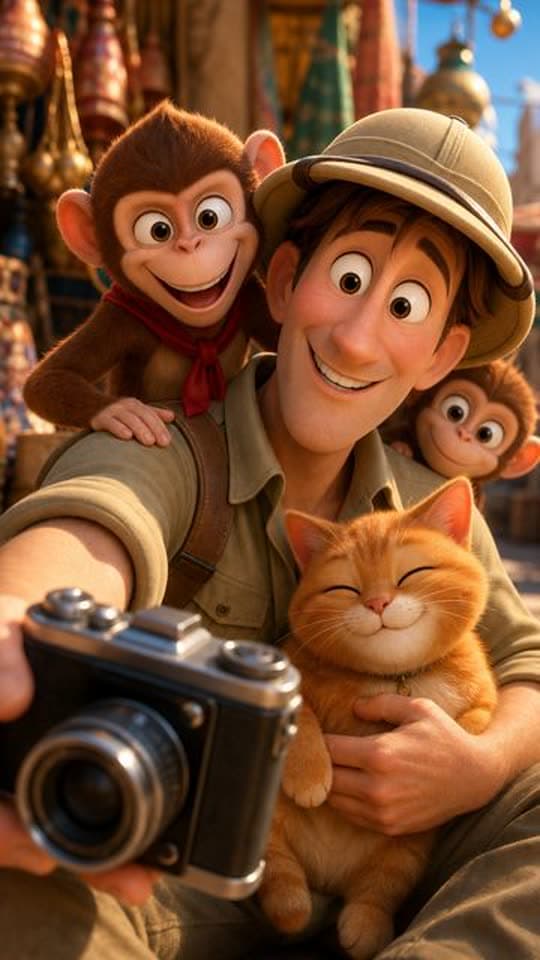
Typed idea
“A nervous explorer tries to photograph a majestic palace facade while a mischievous monkey team hijacks his camera gear. The explorer chases the thieves through bustling market alleys, only to find them using his lens to admire a local cat. Defeated but amused, he joins them for a selfie, turning a theft into an unexpected friendship amid colorful Indian architecture.”
Made with FacelessVideoMaker
Watch finished Shorts in these formats.
Open any format to watch the finished Short and read the idea it came from.
Motion is reduced. Scroll horizontally to browse the formats.
What an AI cartoon video generator makes
A good cartoon Short is a small journey: a character wants something, runs into a problem, and finds a funny or kind way through it. The Toon Story format is built around that shape. It plans the scenes, animates the characters, and has them speak, so the story plays out between the characters instead of being explained over the top by a narrator.
You write the premise in a sentence or two, and the format writes the characters' lines from it. Think of it as an AI cartoon story generator that also does the animating, the voices, and the cuts, so the result is one finished vertical Short and not a set of clips waiting for an editor.
Real Shorts from this format include a cat chef making the perfect omelette, a kitten chasing a butterfly through a meadow, a climber offering chocolate to a yeti, knights puzzled by an enormous throne, and a toddler sliding down a roller slide in 3D. Each began as a short premise.
Formats
Six story shapes that suit a cartoon video maker
Each shape gives a short animated story a clear want, a snag, and an ending, which is what keeps a cartoon watchable.
Animal adventures
A small animal sets out after something it wants, such as a butterfly, a snack, or a lost toy, and meets a surprise on the way.
Odd jobs
A character takes a new job and runs straight into the most chaotic version of it, which gives the dialogue plenty of material.
Misunderstandings
Two characters hear the same sentence differently, and the scene grows funnier until someone finally explains.
Kind surprises
A gentle story where a small gesture, such as sharing food or fixing a toy, changes how a character feels.
Strange discoveries
A character spots something oversized or out of place, such as a giant chair in a hall, and tries to work out why.
Tiny fables
A short lesson told with talking animals, where the ending lands on one clear sentence the viewer remembers.
From a premise to a finished animated Short
You write the premise, set the sound and length, look at the price, and the story is animated.
- 01
Write the premise
Name the character, what they want, and the snag, for example a grumpy owl who cannot find his reading glasses.
- 02
Choose how it sounds
Dialogue is the usual pick, so the characters speak, and a narrator, a music bed, or silence are also on the menu.
- 03
Check the price
The price is shown for your length and sound before the animation starts, and credits return if the Short fails or is cancelled.
- 04
The finished Toon Story Short, with its title, description, and tags ready to edit.
Watch the story
The finished vertical Short appears in Your Shorts, where you can watch it and post it when you are ready.
Try it with your own idea
Write a premise a cartoon can act out
A cartoon video generator animates what the premise contains, so a few clear choices make the story easier to follow.
- 01
Start with one character and one want
A single character with a clear goal gives every scene a reason to exist and every line something to be about.
- 02
Add a problem and a turn
Something goes wrong, and then a clever or kind move fixes it, which gives a short story its middle and its ending.
- 03
Keep the cast small
One or two characters talk more clearly on screen than a crowd, and a short clip has little time to introduce more.
- 04
Say how it ends
A last image, such as the owl wearing his glasses on top of his head, gives the final scene a place to land.
- 05
Describe the look in a phrase
Bright meadow, cosy kitchen, or snowy mountain sets the world around the characters without a long description.
Toon Story or a narrated story
Both formats tell a story in animation, and the difference is who carries it.
| Topic | Toon Story | Narrated Story |
|---|---|---|
| Who tells it | The characters speak to each other. | A narrator tells the story over the scenes. |
| Captions | Not part of the format. | Captions follow the voice. |
| Best for | Comedy, skits, and small character moments. | Longer arcs, legends, and mysteries. |
Sound, length, and where the story goes next
Sound is one control on the review step, and for Toon Story the default is dialogue, so the characters speak their lines. You can switch to a narrator, natural sound, a music bed, or silence if the idea suits a different mood.
The length menu lists only what the format can produce, so every choice on it is one the format can make, and every Short comes out as a vertical 9:16 video. If your story is better told by a voice over the scenes, the AI story video generator covers narrated animation, with captions that follow the voice.
For explaining an idea with simple drawn figures rather than telling a story, the AI stickman video generator is the closer match.
Start from an idea, with the format already picked
Each idea opens the composer with its format chosen, and you can change either before anything is made.
Formats that fit these ideas
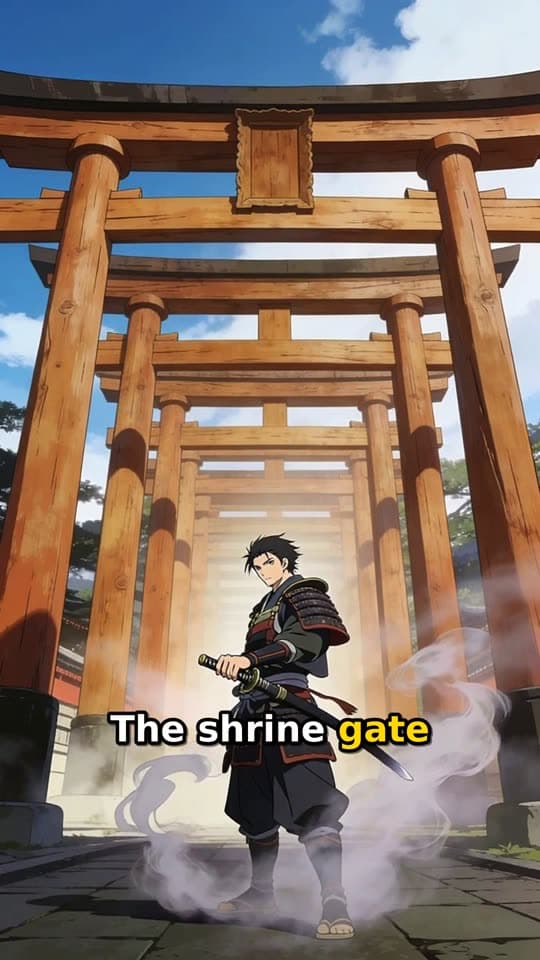
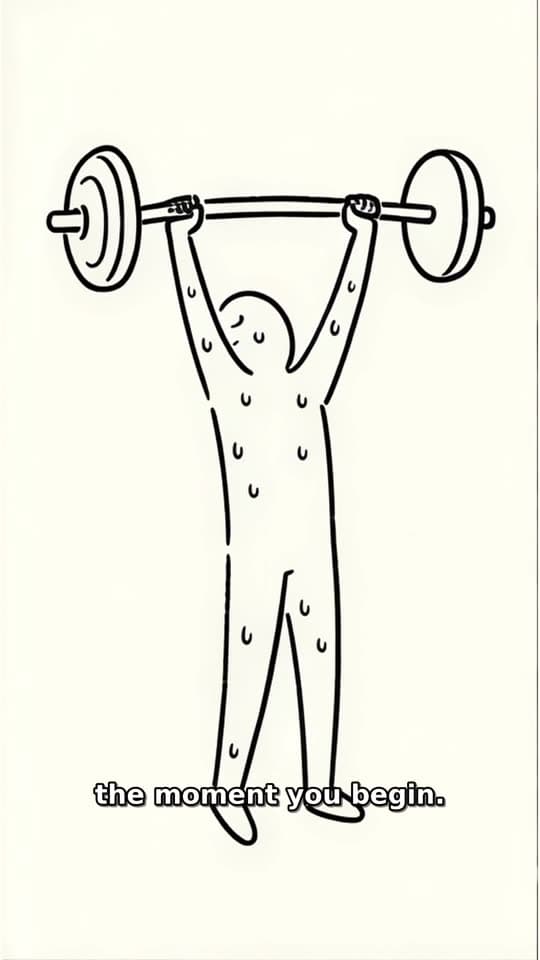
Not quite what you need?
These pages cover the same tool for a narrower goal.
What to know before you create
What is an AI cartoon video generator?
Do the cartoon characters speak?
Is this an AI cartoon video maker I can use without drawing?
Can I make a children's story with it?
How do I keep the same look in every AI animated story?
How long can a cartoon Short be?
What does a cartoon Short cost?
Write the premise and let the cartoon play
One short premise is enough to start a cartoon Short. FacelessVideoMaker animates the scenes, lets the characters speak, shows the price first, and returns the finished clip to Your Shorts.