The controls behind a series
AI video automation for standing Shorts series
AI video automation keeps a saved Shorts series running on the days you pick, with every idea waiting for your approval before anything is built or posted.
Autopilot schedule
A new Short is ready on every day you pick.
The review gates in AI video automation
Every planned idea stops with you before anything is built, and each status on the series page tells you where a Short stands. These are the same words you will see on your own series.
Example series
“Unsolved mysteries of the sea”
Living Poster
- MonThe ship found sailing with no crewPosted
- TueThree keepers gone from one lighthouseReady to post
- ThuThe island that slipped off the mapsBeing made
- FriBells heard under the North SeaSkipped
- TueThe radio call nobody answered
- 01
Planned, with no badge yet
A planned idea shows its angle in plain words, and reading, rewriting, or skipping it costs nothing.
- 02
Being made
Once you approve, the script, scenes, and sound are built, with the price shown before the build begins.
- 03
Ready to post
The finished Short sits with its title, description, and tags until its scheduled time arrives.
- 04
Posted or skipped
Posted means it reached the connected channel, and skipped means that day was passed over, by you or for low credits.
How schedules, timezones, and skipped days work
A series runs on a saved week instead of a calendar, which is how you automate video creation without resetting anything each Monday.
- 01
Weekdays you tick
Only the days you pick get a Short, and the days you leave unticked cost nothing.
- 02
Up to 8 a day
Each active day can hold up to 8 Shorts, and every one of them gets its own review.
- 03
A saved timezone
Every day is anchored to the timezone you save, so a trip abroad never reshuffles the order.
- 04
Skips you choose
Skipping a day yourself leaves the rest of the week exactly as it was.
- 05
Skips for a low balance
Three skips caused by a short balance pause the series until you top up, instead of stacking up failures.
Formats that hold up across automated AI videos
A standing series repeats one format, so choose one that still feels fresh on its tenth Short, not only its first. These six hold their shape well over a long run.
Mysteries and history
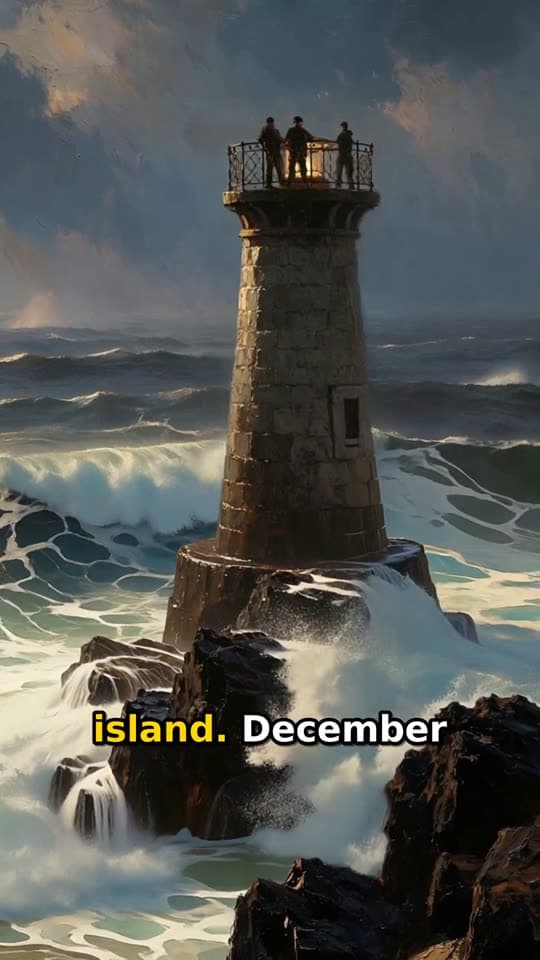
Living Poster
A narrated story told over slow-moving art, with captions that follow the voice line by line.
Typed idea
“three lighthouse keepers who vanished from a locked island in 1900”
Builds and makeovers
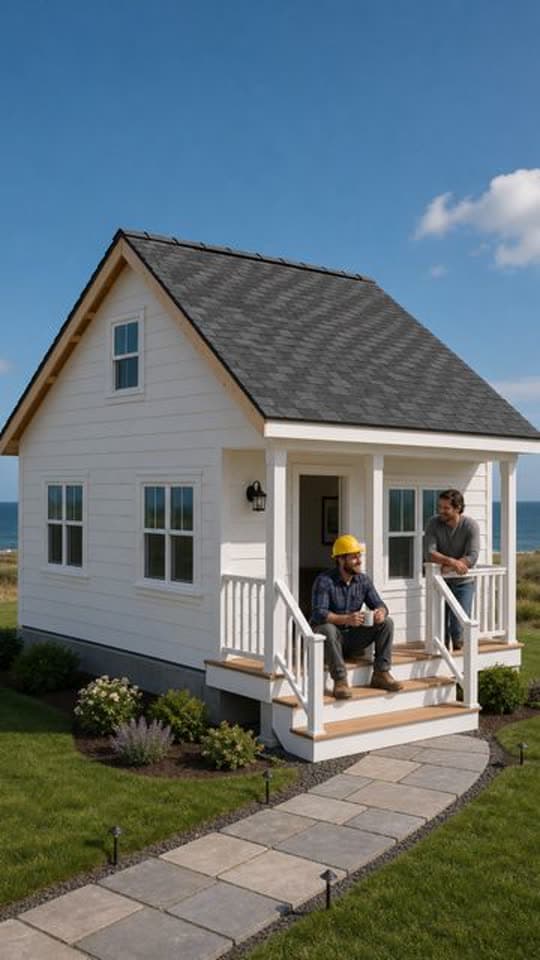
Transformation
One fixed view of something changing from start to finish, which lands without any narrator.
Another Transformation Short made with FacelessVideoMaker passed 35M+ views on Instagram.
Typed idea
“farmhouse construction from grounds up”
Characters who grow
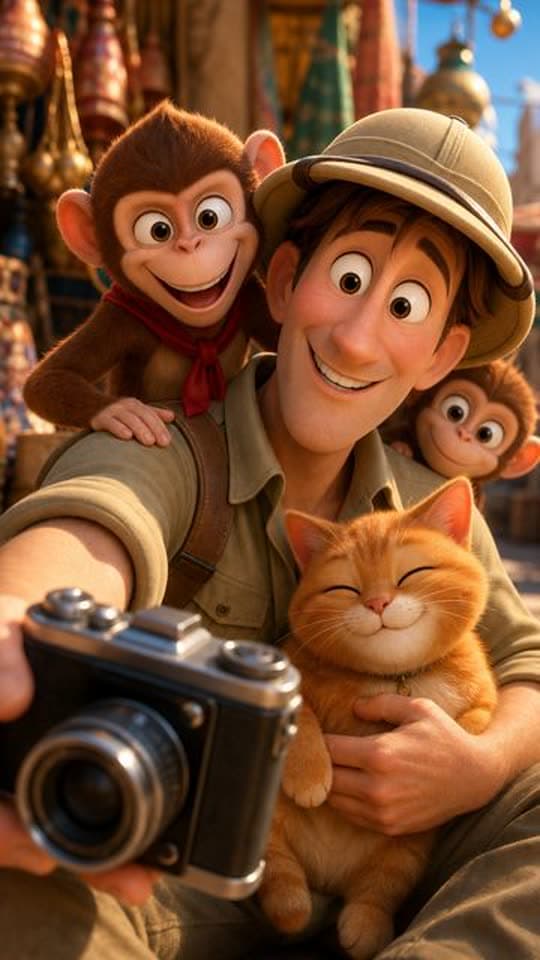
Toon Story
One figure changing across a short arc, a steady fit for a motivation or comeback series.
Typed idea
“A nervous explorer tries to photograph a majestic palace facade while a mischievous monkey team hijacks his camera gear. The explorer chases the thieves through bustling market alleys, only to find them using his lens to admire a local cat. Defeated but amused, he joins them for a selfie, turning a theft into an unexpected friendship amid colorful Indian architecture.”

Calm, satisfying loops
ASMR
Close-up cutting and shaping with natural sound, made to be watched more than once.
Typed idea
“Create a hyper-realistic cinematic ASMR video showing two different translucent glass fruits being cut one after another: first a glass apple, then a glass strawberry. Present both fruits on a clean wooden cutting board in a softly lit minimalist kitchen, with a calm premium aesthetic and extreme close-up detail. Begin with the glass apple placed at center frame, its smooth transparent body catching soft reflections and subtle rainbow highlights. A sharp knife slowly presses into it and slices cleanly through, producing satisfying crisp glass-cutting sounds, delicate cracking textures, tiny sparkling fragments, and beautifully separated sections. After the apple sequence, transition smoothly to a realistic glass strawberry with a translucent red body and a green glass leaf top, then cut it in the same slow, precise ASMR manner, emphasizing the crisp slicing sound, shimmering reflections, and intricate glass-like interior. Use slow, controlled hand movement, macro close-ups, shallow depth of field, gentle camera motion, and pristine studio-quality lighting. Focus heavily on the ASMR experience: sharp slicing sounds, subtle clinks, tiny shard movement, and clean placement of each cut piece. Keep the mood soothing, elegant, and visually mesmerizing. No talking, no music, no messy background, no cartoon look, no exaggerated destruction, no unsafe chaos, no blurred motion, and no unrealistic floating fragments.”
Stories told in scenes
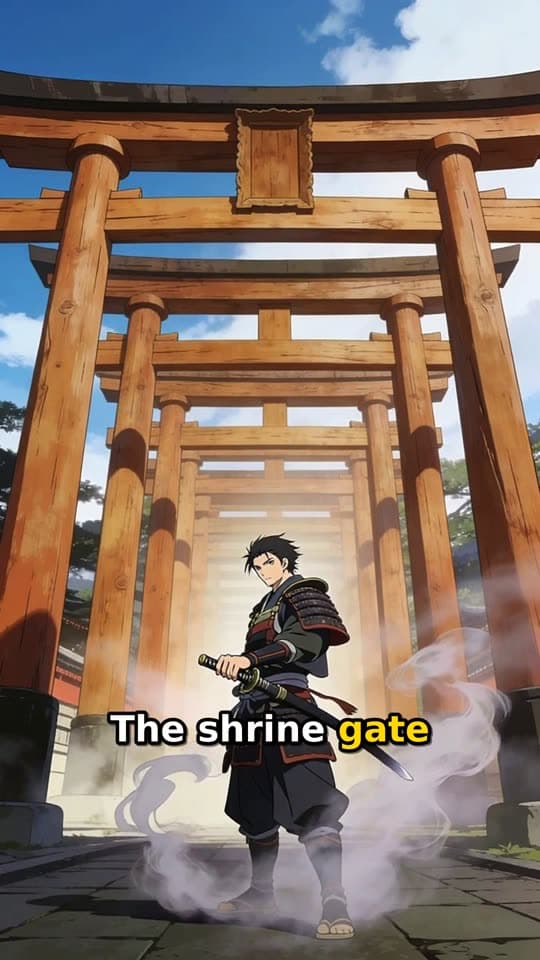
Narrated Story
An animated story with a narrator holding it together, suited to history and short fiction series.
Typed idea
“a lone samurai's final duel at a misty mountain shrine at dawn”

Places seen from above
FPV Drone
One unbroken first-person flight through a city or a valley, repeated with a new place each time.
Typed idea
“FPV drone weaving through the Taj Mahal as it's being built, past the scaffolding and blocks of white marble”
Start from an idea, with the format already picked
Each idea opens the composer with its format chosen, and you can change either before anything is made.
Not quite what you need?
These pages cover the same tool for a narrower goal.
What to know before you create
How does the automation run?
How is this Video Automation AI different from a scheduler?
What settings does a series keep?
Can I change a series while it runs?
Can I skip a scheduled day?
What stops a failed run?
How much does an automated Short cost?
Learn the run, then set one
AI video automation rewards a well saved series, so start with a tight theme, tick the days you can review, and let each approval build the habit. Your first standing run teaches the rhythm faster than any guide.