First-person Shorts
AI POV Video Generator
This AI POV video generator turns a scene into a finished vertical Short seen through the viewer's own eyes, with their hands in frame, so the moment feels lived instead of watched.
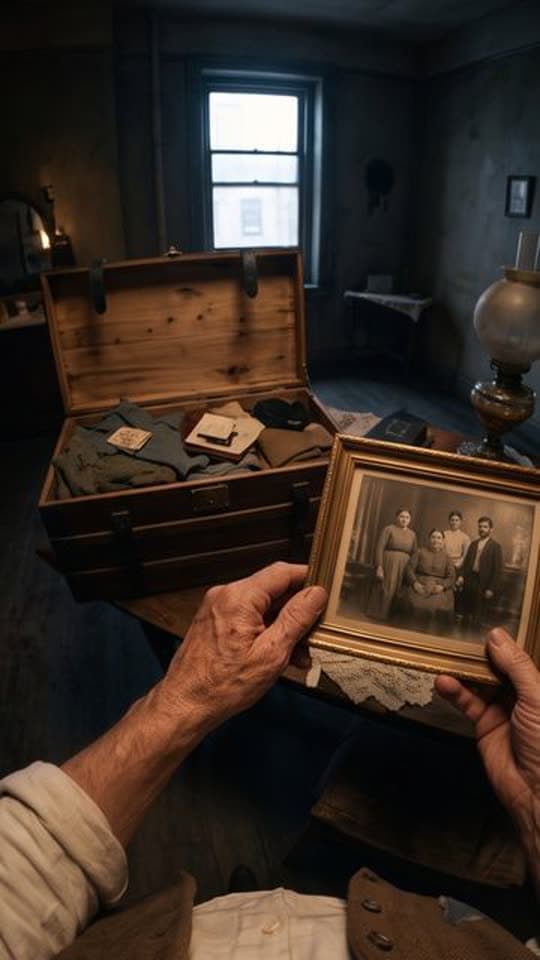
Typed idea
“A first-person POV of a southern Italian emigrant's journey from their village in 1907 to America, seen entirely through their own eyes and hands, showing the same village, the voyage, and the new world through a cinematic documentary lens, ending with a time-lapse aged hand over an old photograph.”
Made with FacelessVideoMaker
Watch finished Shorts in these formats.
Open any format to watch the finished Short and read the idea it came from.
Motion is reduced. Scroll horizontally to browse the formats.
What an AI POV video generator makes
A POV Short puts the camera where the viewer's eyes would be. Instead of watching a person do something, the viewer is the person: their hands reach for the rope, the door, or the rail, and the world moves around them. The POV format is built for that shape, and it works as a first person video generator that keeps the hands in the picture.
You describe where you are and what is happening, and the format plans the shots, makes them, and joins them into one vertical video. Because the camera is you, the sentence works best when it starts with you are there, followed by a place and a moment.
Real Shorts from this format include walking on the moon in 1969, standing in steerage on the Titanic the night it struck the ice, waking in Pompeii on the morning Vesuvius erupted, and crossing the Central Asian steppe with a camel caravan toward Samarkand. Each began as a single first-person scene.
Formats
Six moments that suit a history POV video generator
The strongest POV ideas give the viewer a clear place, a clear time, and something they can almost feel.
A turning point in history
You stand where a famous event is about to happen, such as a launch or a landing, and watch it unfold from the ground.
A disaster the moment it begins
The scene starts with an ordinary morning and a strange sound, and the viewer feels the first minute of the change.
A journey by an old method
A caravan, a sailing ship, or a night train carries you across open country, with your hands on the reins or the rail.
A day in a job
You work a craft or a role, such as a blacksmith or a lighthouse keeper, and see what the hands are really doing.
A high-stakes moment
A jump, a climb, or a crossing keeps the viewer's hands busy and the horizon moving, which suits a short clip.
A place seen the first time
You arrive somewhere new, such as a market or a harbour, and take it in at walking pace.
From a scene to a finished POV Short
You describe the moment, choose the sound, check the price, and the first-person Short is made.
- 01
Describe the moment
Say where you are and what is happening, for example you are on a ferry deck in 1912 as the fog thickens.
- 02
Choose how it sounds
Natural sound is the default, and people in the scene can speak, or you can add a narrator, a music bed, or silence.
- 03
Check the price
The price shows for your choices before anything is made, and credits come back if the Short fails or is cancelled.
- 04
The finished POV Short, with its title, description, and tags ready to edit.
Watch it from the inside
The finished vertical Short arrives in Your Shorts, where you can review the scene and post it when you choose.
Try it with your own idea
Write the scene so the viewer can step into it
A POV video maker works from what the sentence puts in front of the camera, so concrete details make the scene easier to believe.
- 01
Start with you
Begin with you are, then add the place and the time, so the format knows the camera is a person standing there.
- 02
Name the date and the place
A year and a location, such as Samarkand in the fourteenth century, give the scene a world to build.
- 03
Say what the hands are doing
Gripping a rail, holding a lantern, or pushing a door gives the hands in frame a reason to be there.
- 04
Pick one moment
A single scene, such as the minute before a crossing begins, holds together better than a whole day squeezed into a clip.
- 05
Add one sound
A bell, wind, or a crowd murmur gives the scene a sound to sit inside, and it helps the viewer feel present.
POV, Travel Vlog, or FPV Drone
All three move the viewer through a place, and they differ in where the camera is.
| Topic | POV | Travel Vlog | FPV Drone |
|---|---|---|---|
| Camera | Through the viewer's own eyes, with hands in frame. | Travel footage cut together. | One continuous flight route. |
| Feeling | You are living the moment. | You are seeing a place. | You are flying through it. |
| Best for | History, jobs, and high-stakes scenes. | Streets, markets, and journeys. | Landmarks and wide scenery. |
Reconstructions, sound, and length
A historical POV is an imagined reconstruction made by AI, not a record, so it can show a plausible scene without being accurate in every detail. If you post one, describe it that way, and check dates, clothing, and events yourself before presenting anything as fact.
The review step has a single sound control, and natural sound is the default for POV. People in the scene can speak, or you can choose a narrator, a music bed, or silence. Only lengths the POV format can make appear in its menu, and each Short is a vertical 9:16 video.
For scenes of streets and markets seen from outside the viewer's own body, the AI travel vlog generator is the closer match, and the AI story video generator suits history told by a narrator over images.
Start from an idea, with the format already picked
Each idea opens the composer with its format chosen, and you can change either before anything is made.
Formats that fit these ideas
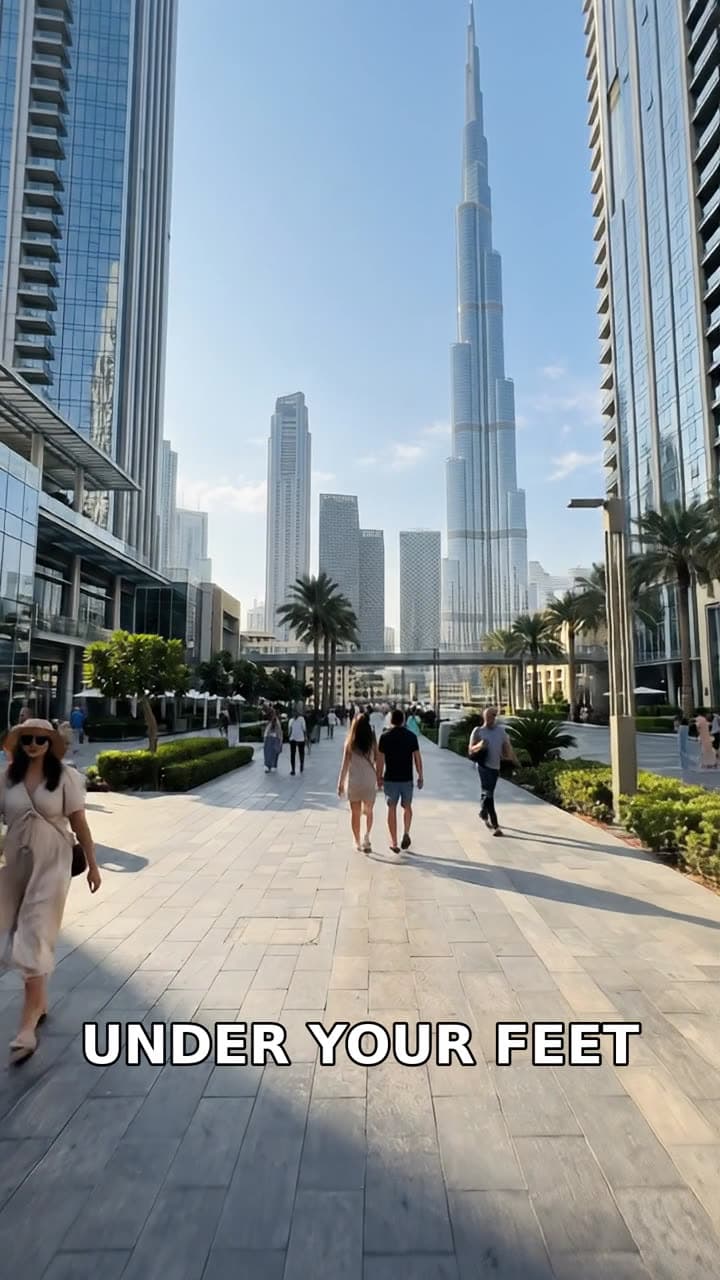

Not quite what you need?
These pages cover the same tool for a narrower goal.
What to know before you create
What is an AI POV video generator?
Can I use this AI POV video maker without a camera?
Are historical POV videos accurate?
Can people speak in a POV Short?
Why do the hands appear in the frame?
How long can a POV Short be?
What does a POV Short cost?
Describe where you are and step inside
One first-person scene is enough to start a POV Short. FacelessVideoMaker plans the shots, keeps your hands in frame, shows the price first, and returns the finished clip to Your Shorts.