Hooks, pacing, and captions
Faceless YouTube Shorts
Faceless YouTube Shorts win or lose in the first second, so this page shows how FacelessVideoMaker builds the hook, the pacing, and the captions while you stay off camera.
No camera, no filming. Every Short above was made this way.
How a faceless Short hooks in the first second
A strong hook is written into the prompt rather than added later, as this real drone Short shows.
Topic only
“the Taj Mahal”
Directed
“FPV drone weaving through the Taj Mahal as it's being built, past the scaffolding and blocks of white marble”
- Camera
- FPV drone weaving
- Place
- through the Taj Mahal
- The twist
- as it's being built,
- Detail
- past the scaffolding and blocks of white marble
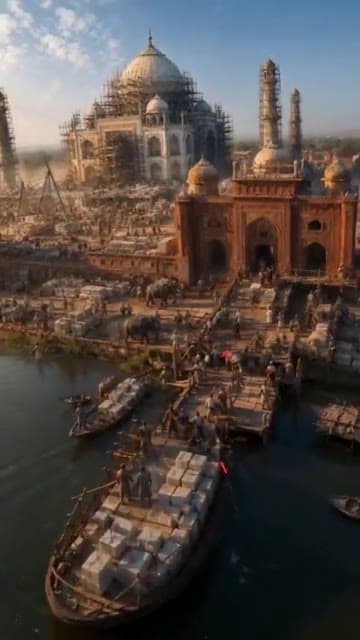
The Short this prompt made
Format: FPV Drone
Sound: Chosen with the format
- 01
Open on motion
Start the sentence with what moves, like a drone weaving, so the very first frame already has momentum.
- 02
Name a place people know
A famous place gives viewers a reason to stay before they know anything else about the Short.
- 03
Add the twist
Here the twist is that the Taj Mahal is still being built, which is the question viewers stay to answer.
- 04
Keep it to one shot
One continuous flight keeps the pacing tight, because a Short under a minute has no room for slow cuts.
Faceless shorts that open strong, by format
Every format opens in its own way, and each row pairs a real Short with the line that made it.
A question as the hook
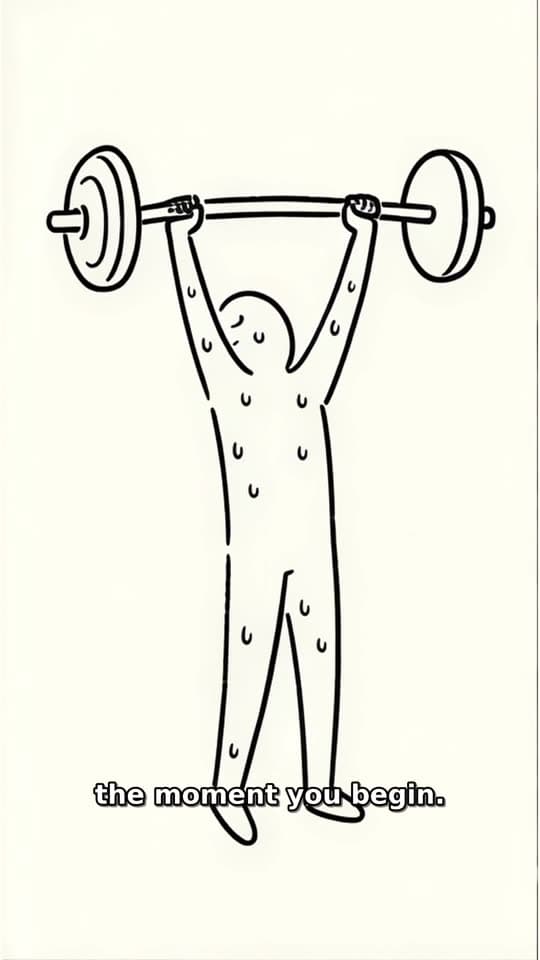
Stickman Doodle
Explainers open on a question about your own body or habits, then answer it one drawing at a time.
Typed idea
“what happens to your body the first week you start exercising”
A line from mid-story
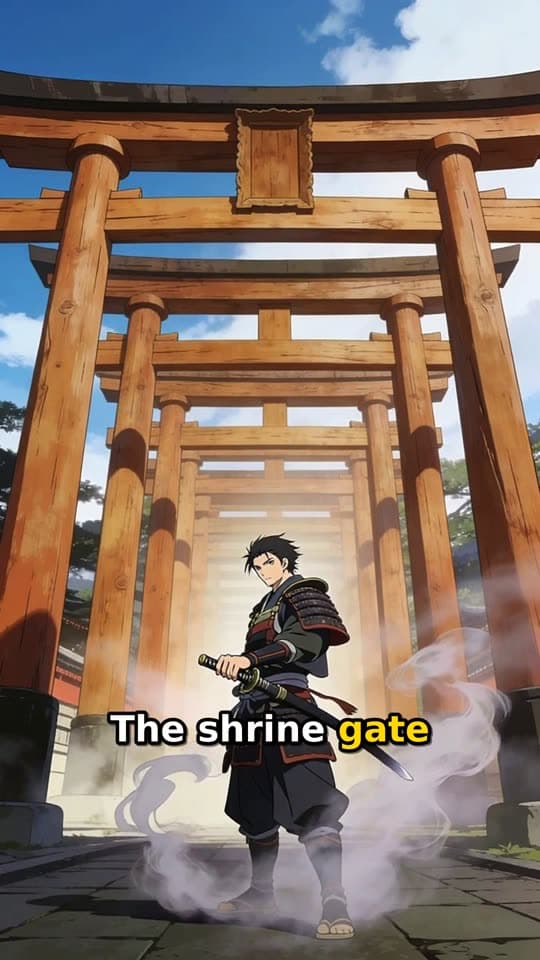
Narrated Story
A narrator drops viewers into the middle of the action, like a duel at dawn, so the opening already has stakes.
Typed idea
“a lone samurai's final duel at a misty mountain shrine at dawn”
The lowest moment
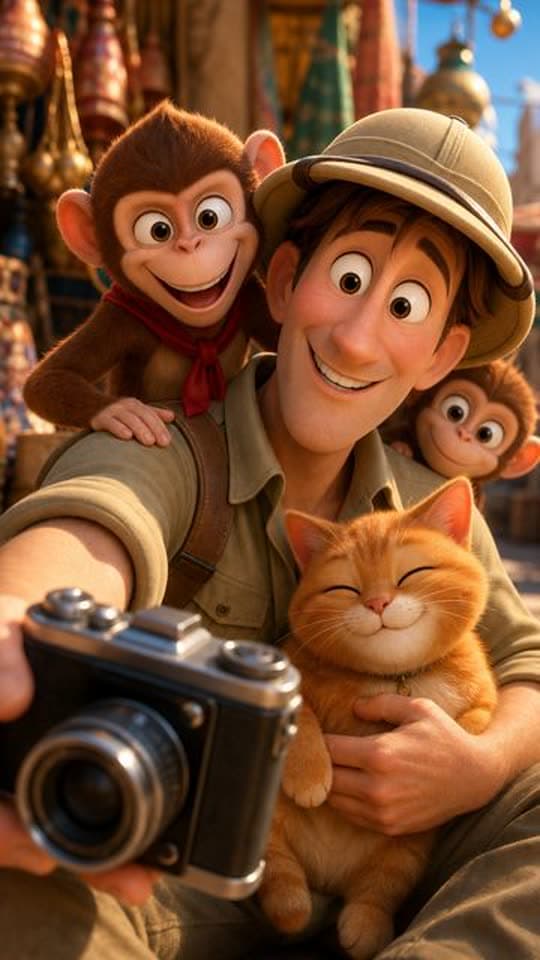
Toon Story
Comeback Shorts open on the hardest point, which gives the climb that follows a reason to be watched.
Typed idea
“A nervous explorer tries to photograph a majestic palace facade while a mischievous monkey team hijacks his camera gear. The explorer chases the thieves through bustling market alleys, only to find them using his lens to admire a local cat. Defeated but amused, he joins them for a selfie, turning a theft into an unexpected friendship amid colorful Indian architecture.”
Straight into someone's eyes
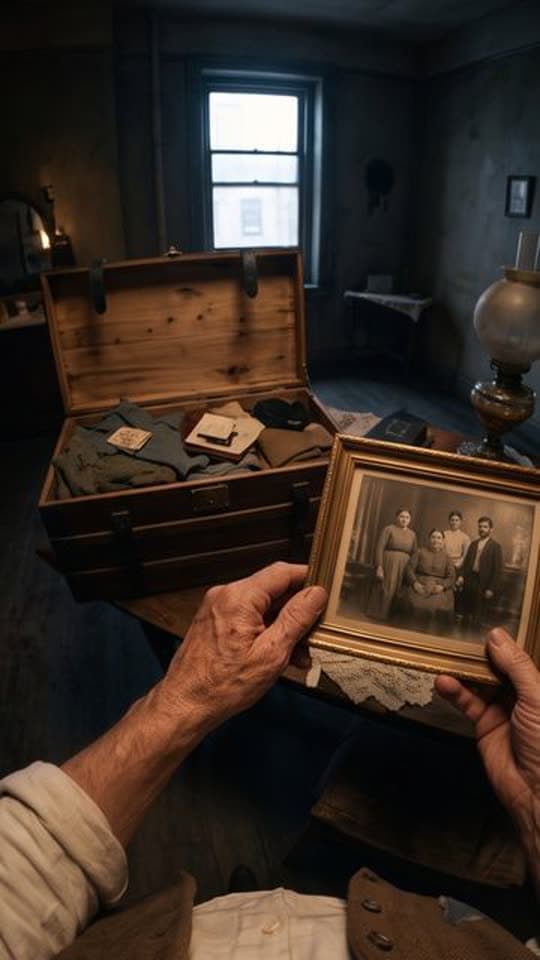
POV
First-person Shorts put viewers inside the moment from the first frame, with no setup at all.
Typed idea
“A first-person POV of a southern Italian emigrant's journey from their village in 1907 to America, seen entirely through their own eyes and hands, showing the same village, the voyage, and the new world through a cinematic documentary lens, ending with a time-lapse aged hand over an old photograph.”
One glowing detail
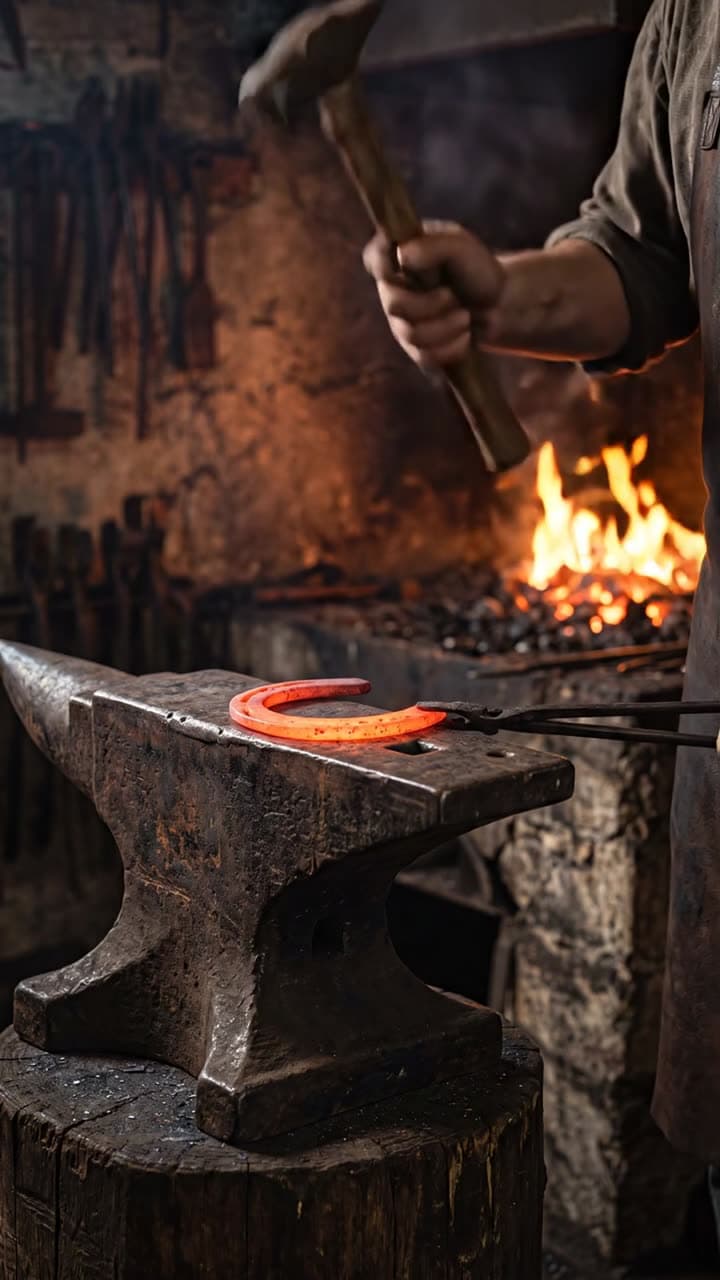
Action
Action Shorts open on the most striking object, like a horseshoe glowing on an anvil.
Typed idea
“a blacksmith hammering a glowing horseshoe into shape on an anvil”
The empty start
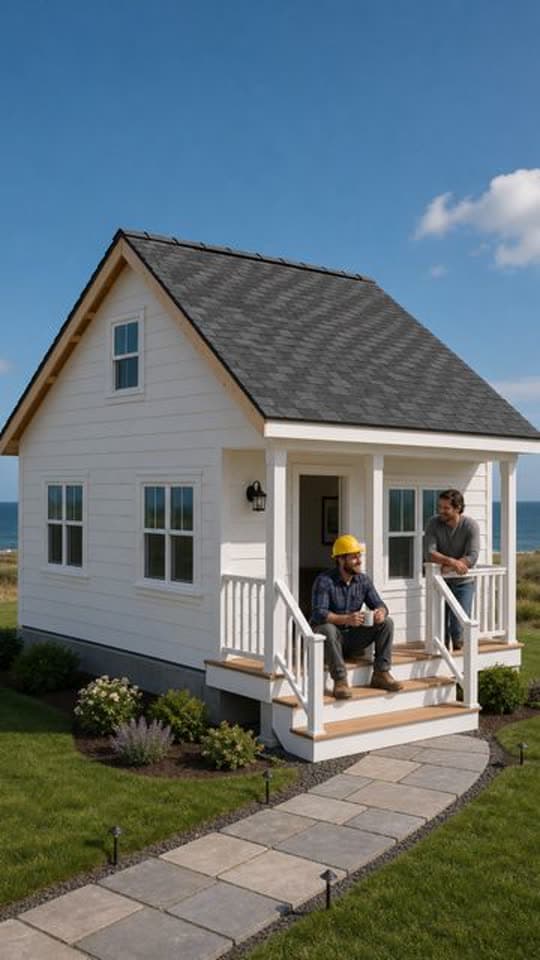
Transformation
Build videos open on bare ground, and the promise of the finished result carries the rest.
Another Transformation Short made with FacelessVideoMaker passed 35M+ views on Instagram.
Typed idea
“farmhouse construction from grounds up”
Posting faceless YouTube Shorts to your channel
Connect your YouTube channel once, then send each finished Short right away or at a set time. Every Short is vertical 9:16 and runs up to about 60 seconds, the shape the Shorts feed expects.
YouTube adds its made-with-AI label to uploads from FacelessVideoMaker, and saying so to viewers is your part. The YouTube Shorts generator page covers Shorts for every kind of channel.
Ready to post
The title, description, and tags stay editable until you send it.
- Now or scheduled
YouTube Shorts
YouTube marks the upload as made with AI
Turn one hook into a weekly series
A faceless Shorts generator pays off when the same promise repeats, and Autopilot plans the ideas for the days you pick.
Example series
“Famous buildings while they were being built”
FPV Drone
- MonThe Eiffel Tower rising in 1888Posted
- WedThe Colosseum taking shape in RomeReady to post
- FriThe Great Wall going up stone by stoneBeing made
- MonThe Statue of Liberty being raised
- WedPetra being carved out of rock
- 01
Pick one promise
Choose a promise every Short keeps, like famous buildings shown while they were still going up.
- 02
Let Autopilot plan
Autopilot writes ideas from your theme for the weekdays you choose, up to eight Shorts a day.
- 03
Review each idea
Approve, rewrite, or skip every planned idea before anything is made or charged.
- 04
Keep what holds
After a few weeks, keep the openings your viewers stay for and drop the ones they swipe past.
Start from an idea, with the format already picked
Each idea opens the composer with its format chosen, and you can change either before anything is made.
Not quite what you need?
These pages cover the same tool for a narrower goal.
What to know before you create
What makes faceless YouTube Shorts work?
Is FacelessVideoMaker a faceless youtube shorts generator?
Do faceless Shorts need captions?
How long should a faceless Short be?
Can a faceless series run without me?
How is a faceless Short priced?
Which niches suit faceless Shorts?
Pick a niche, post the first Short
A niche only proves itself across several Shorts, not one, so pick a lane and write the first entry now. The hook, the pacing, and the captions all get easier to judge once there's a real Short in front of you.