One sentence to a finished Short
AI Video Generator
This AI video generator turns one typed sentence into a finished vertical Short, with the script, scenes, and sound made for you and the video ready to post.
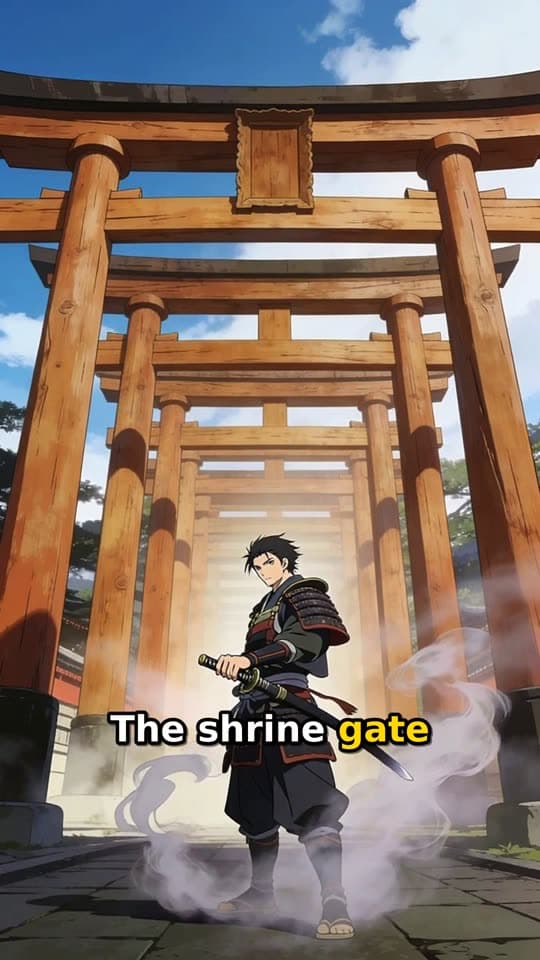
Typed idea
“a lone samurai's final duel at a misty mountain shrine at dawn”
What you can make with it
Twelve formats plus Auto sit behind FacelessVideoMaker, more range than a single-purpose AI video creator. Here are six common uses, each with the real Short and the sentence that made it.
History and explainers
Narrated Story
An animated story with a narrator and captions that follow the voice, made for history, explainers, and short fiction.
Typed idea
“a lone samurai's final duel at a misty mountain shrine at dawn”
Builds and makeovers
Transformation
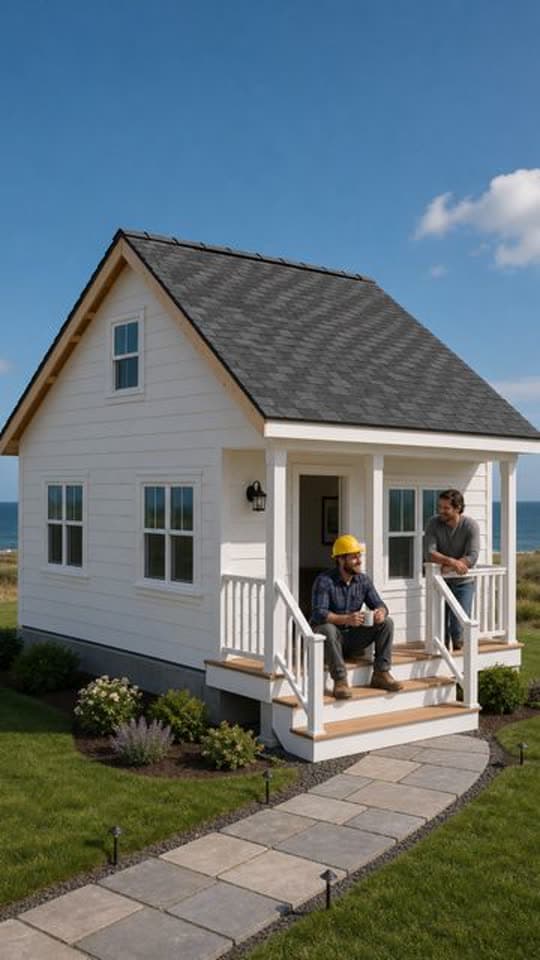
One fixed camera watches something change from start to finish, like a farmhouse rising from bare ground.
Another Transformation Short made with FacelessVideoMaker passed 35M+ views on Instagram.
Typed idea
“farmhouse construction from grounds up”

Food and recipes
Cooking ASMR
A dish made step by step in close view, with the real kitchen sounds playing under soft music.
Typed idea
“making a hot cup of coffee and then adding 2 eggs in it.”

Satisfying loops
ASMR
Slow, satisfying close-ups of cutting, pouring, or shaping, with natural sound and no narrator talking over it.
Typed idea
“Create a hyper-realistic cinematic ASMR video showing two different translucent glass fruits being cut one after another: first a glass apple, then a glass strawberry. Present both fruits on a clean wooden cutting board in a softly lit minimalist kitchen, with a calm premium aesthetic and extreme close-up detail. Begin with the glass apple placed at center frame, its smooth transparent body catching soft reflections and subtle rainbow highlights. A sharp knife slowly presses into it and slices cleanly through, producing satisfying crisp glass-cutting sounds, delicate cracking textures, tiny sparkling fragments, and beautifully separated sections. After the apple sequence, transition smoothly to a realistic glass strawberry with a translucent red body and a green glass leaf top, then cut it in the same slow, precise ASMR manner, emphasizing the crisp slicing sound, shimmering reflections, and intricate glass-like interior. Use slow, controlled hand movement, macro close-ups, shallow depth of field, gentle camera motion, and pristine studio-quality lighting. Focus heavily on the ASMR experience: sharp slicing sounds, subtle clinks, tiny shard movement, and clean placement of each cut piece. Keep the mood soothing, elegant, and visually mesmerizing. No talking, no music, no messy background, no cartoon look, no exaggerated destruction, no unsafe chaos, no blurred motion, and no unrealistic floating fragments.”

Travel and places
FPV Drone
One unbroken first-person flight through a city, a valley, or a place that never existed.
Typed idea
“FPV drone weaving through the Taj Mahal as it's being built, past the scaffolding and blocks of white marble”
Comedy and small tales
Toon Story
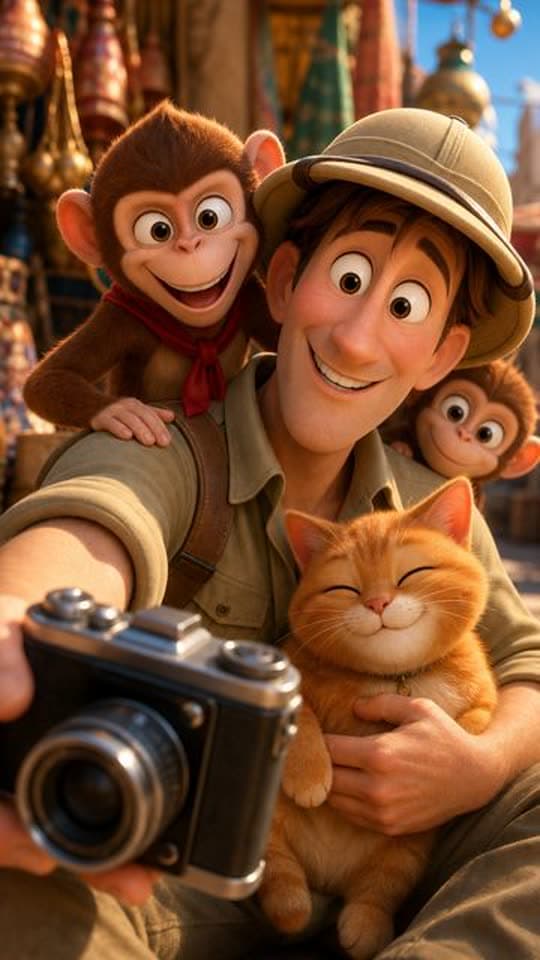
A cartoon whose characters talk to each other instead of a narrator, so jokes and small tales play out as scenes.
Typed idea
“A nervous explorer tries to photograph a majestic palace facade while a mischievous monkey team hijacks his camera gear. The explorer chases the thieves through bustling market alleys, only to find them using his lens to admire a local cat. Defeated but amused, he joins them for a selfie, turning a theft into an unexpected friendship amid colorful Indian architecture.”
From one idea to a finished video in four steps
Every Short goes through the same four steps, and you see the price before anything is made.
- 01
Describe the idea
Type one plain sentence about what the Short should show. That is all this AI video maker needs, and Improve with AI can tighten it.
- 02
Pick the direction
Choose the format, length, look, and sound, or leave the format on Auto and let FacelessVideoMaker pick one.
- 03
Check the price
The exact price appears before anything is built, and the credits come back if the Short fails or you cancel it.
- 04
The finished FPV Drone Short, with its title, description, and tags ready to edit.
Review and post
Watch the finished Short, edit its title, description, and tags, then post it now or schedule it for later.
Try it with your own idea
What the AI video generator makes
FacelessVideoMaker works as a straightforward Video Generator AI: type an idea, and a finished Short comes back with no script or template needed.
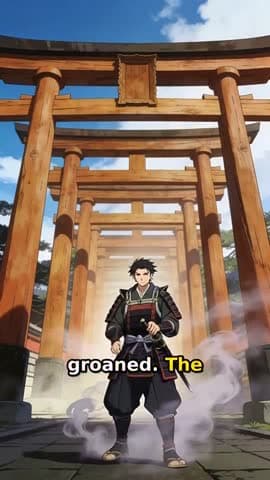
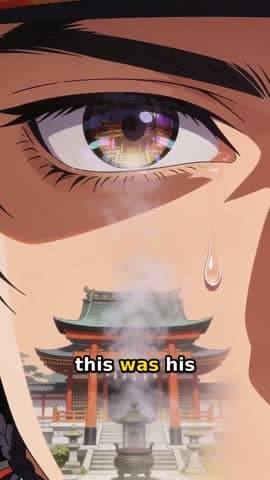
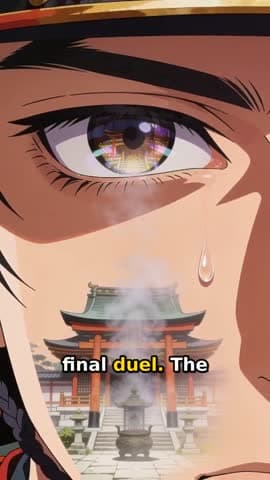
“a lone samurai's final duel at a misty mountain shrine at dawn”

Frame
Vertical 9:16
File
MP4, 720p or 1080p
Length
Up to about 60 seconds
Sound
Set by the format
Script, scenes, and edit
A script written for your idea, scenes that keep one consistent look, and the edit that joins them into one video.
Sound matched to the format
A narrator for stories, dialogue for Toon Story, and real sound under music for cooking and craft.
Captions on narrated formats
Captions follow the voice on Narrated Story, Stickman Doodle, and Living Poster.
A title, description, and tags
Every Short arrives with them already written, ready for you to edit before it goes out.
How to direct a generated video
Four decisions turn a loose topic into something FacelessVideoMaker can build.
Topic only
“a haunted lighthouse”
Directed
“three lighthouse keepers who vanished from a locked island in 1900”
- Who
- three lighthouse keepers
- What happens
- who vanished
- Where
- from a locked island
- When
- in 1900
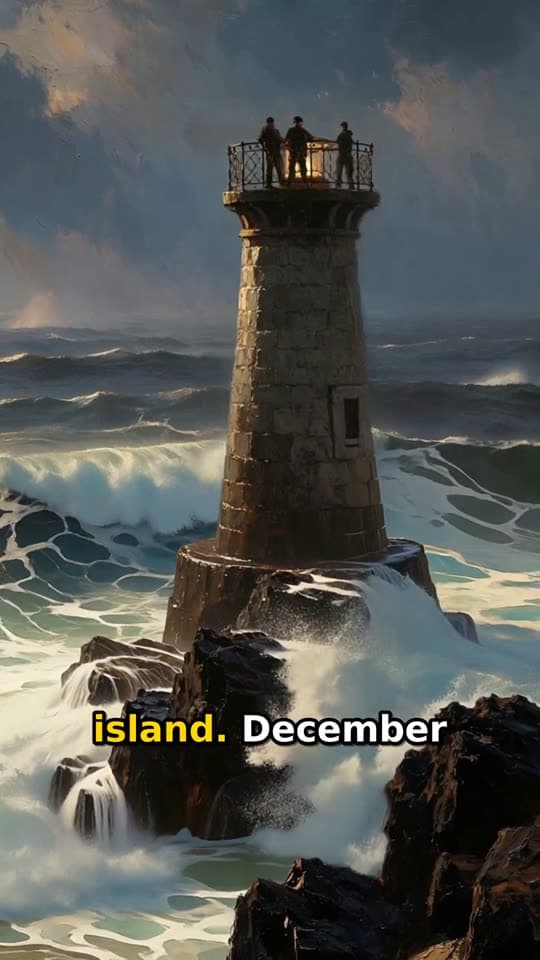
The Short this prompt made
Format: Living Poster
Sound: Voiceover with captions
- 01
State the subject and its change
A Video AI generator builds the scenes but cannot invent your story, so say who appears and what changes by the end.
- 02
Set the look with the sound
Pick the format and style first, then the sound that fits them, because a mismatch here costs more than any later fix.
- 03
Compare weak against strong
A topic alone, like a haunted lighthouse, leaves everything to chance. The prompt shown here names who, what happens, where, and when.
- 04
Polish it before you create
Run a rough line through Improve with AI, and create only when every scene you picture serves the same idea.
A single video or a scheduled series
One video fits a single story. A series fits a channel that needs fresh Shorts on set days.
One typed idea becomes one finished Short.
One video
- Starting point
- You type one idea.
- Planning
- You choose each setting.
- Review
- You review the finished Short.
- Publishing
- The finished Short goes to a connected channel.
A new Short is ready on every day you pick.
A series with Autopilot
- Starting point
- You set one theme plus notes on what to cover and what to skip.
- Planning
- New ideas grow from the theme for the weekdays you select.
- Review
- You approve each planned idea before anything is built.
- Publishing
- Each Short is prepared for its weekday and posted to its connected channel automatically.
Where your finished video can go
Post the finished Short to a connected YouTube, Instagram, or TikTok account right away. You can also schedule it for a later day and time, with the title and description still open to edit.
YouTube marks uploads from FacelessVideoMaker as made with AI, and telling your viewers plainly is still your job as the publisher. The YouTube Shorts generator and short video maker pages go deeper on each feed.
Ready to post
The title, description, and tags stay editable until you send it.
- Now or scheduled
YouTube Shorts
YouTube marks the upload as made with AI
- Now or scheduled
Instagram Reels
Needs a Business or Creator account
- Now or scheduled
TikTok
Start from an idea, with the format already picked
Each idea opens the composer with its format chosen, and you can change either before anything is made.
Not quite what you need?
These pages cover the same tool for a narrower goal.
What to know before you create
What can this AI video generator make?
Can it make longer or wider videos?
Do I need a script to start?
Which sound options can I pick?
Which Shorts come with captions?
Where can I post the finished video?
What does one video cost?
Start with the idea you already have
Say what the Short should show, and FacelessVideoMaker handles the script, the scenes, and the sound behind it, showing you the exact price before any of it gets made.