One setup, a steady run of Shorts
Automated Video Generator for Daily Shorts
This automated video generator turns one setup into new Shorts on the days you pick, made from your theme and posted to your channel after you approve each idea.
Autopilot schedule
A new Short is ready on every day you pick.
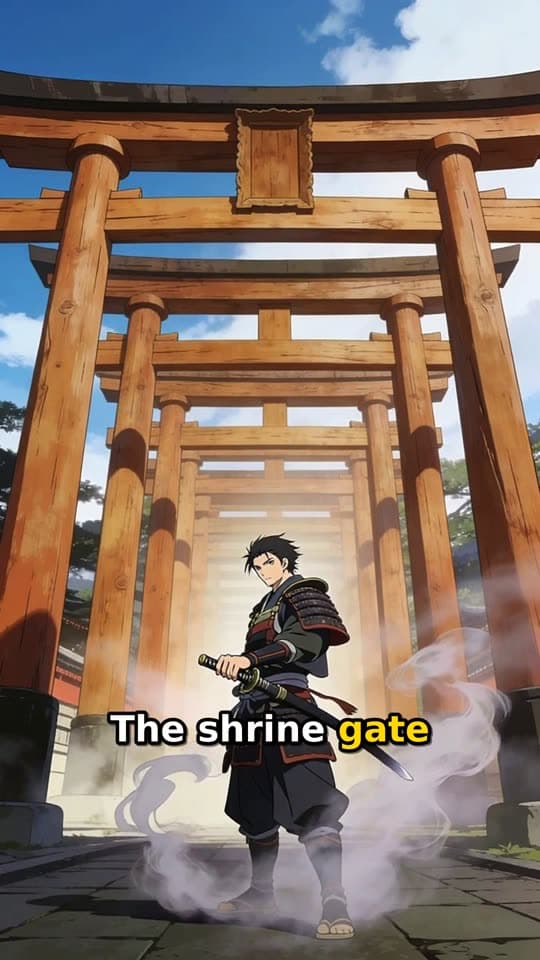
Made with FacelessVideoMaker
Watch finished Shorts in these formats.
Open any format to watch the finished Short and read the idea it came from.
Motion is reduced. Scroll horizontally to browse the formats.
What you set once in this automated video generator
One sitting covers the whole setup, and every later Short in the series reuses it. You can change any of them later, and new ideas follow the change.
Example series setup
- Videos about
- Forgotten inventions and the people behind them
- Leave out
- Weapons, politics, and anything gory
- Format
- Narrated Story
- Look
- Storybook toon
- Sound
- Narration in English, voice previewed
- Per day
- One Short
- Posts to
- YouTube
- Days
- 01
Name the theme
Write the niche in plain words, then add notes on what the series should cover and what it should leave out.
- 02
Lock the look and sound
Pick one of the 12 formats or Auto, a visual style, and a voice, so every Short in the series matches the last.
- 03
Pick the days
Tick the weekdays that should get a new Short, up to 8 a day, and the rest of the week stays quiet.
- 04
Connect the channel
Link the channel that receives the Shorts, because Autopilot only runs once a connected channel is in place.
One Short at a time, or a series that runs itself
Making Shorts one by one suits a single idea, while an automatic video generator suits a channel that needs the same promise every week. The difference shows up most in where your hours go.

One typed idea becomes one finished Short.
One Short at a time
- Ideas
- You type every idea yourself.
- Settings
- You choose them again for each Short.
- Review
- You watch each finished Short.
- Posting
- You send each one to a connected channel.
A new Short is ready on every day you pick.
A series with Autopilot
- Ideas
- Ideas are drafted from your theme for each chosen day.
- Settings
- They are saved once and reused.
- Review
- You approve, rewrite, or skip each idea before it is made.
- Posting
- Each Short posts to its channel on its day.
What a week of automated Shorts looks like
Each planned idea waits for you, and nothing is made until you approve it. A quick read on the days before is usually all the week asks of you.
Example series
“Forgotten inventions and the people behind them”
Narrated Story
- MonThe typewriter built for a blind countessPosted
- WedWho really rode the first bicycleReady to post
- FriThe fridge Einstein helped designBeing made
- MonWhy the umbrella took centuries to catch on
- WedThe cable that first crossed an ocean
- 01
Read the planned idea
Each idea shows up ahead of its day, so you can judge its angle before any credits are spent.
- 02
Approve, rewrite, or skip
Approve the ideas that fit, ask for a fresh version of a flat one, or skip the day, and none of that costs anything.
- 03
Let the approved ones build
Approved ideas become finished Shorts with a title, description, and tags, and the price shows before creation starts.
- 04
Watch the balance
When the balance cannot cover a Short, that day is skipped, and three skips like that pause the series until you top up.
Pick the kind of automation you need
Autopilot works the same way everywhere, and each of these pages goes deeper on one goal.
- 01
A YouTube channel on a loop
The YouTube automation page follows one channel's week, from its theme to each scheduled upload.
- 02
The review and schedule controls
Review gates, timezones, and skipped days are all covered on the AI video automation page.
- 03
One theme for every channel
See AI content automation for a series posting to YouTube and Instagram, with TikTok posts made from Your Shorts.
- 04
A brand with no camera
The faceless channel page plans a whole brand that never needs filming or your own recorded voice.
Start from an idea, with the format already picked
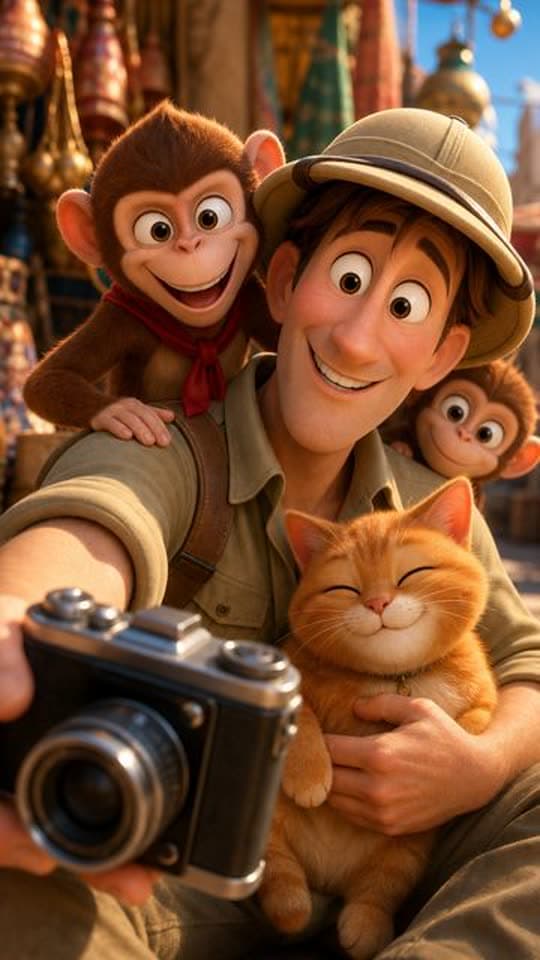
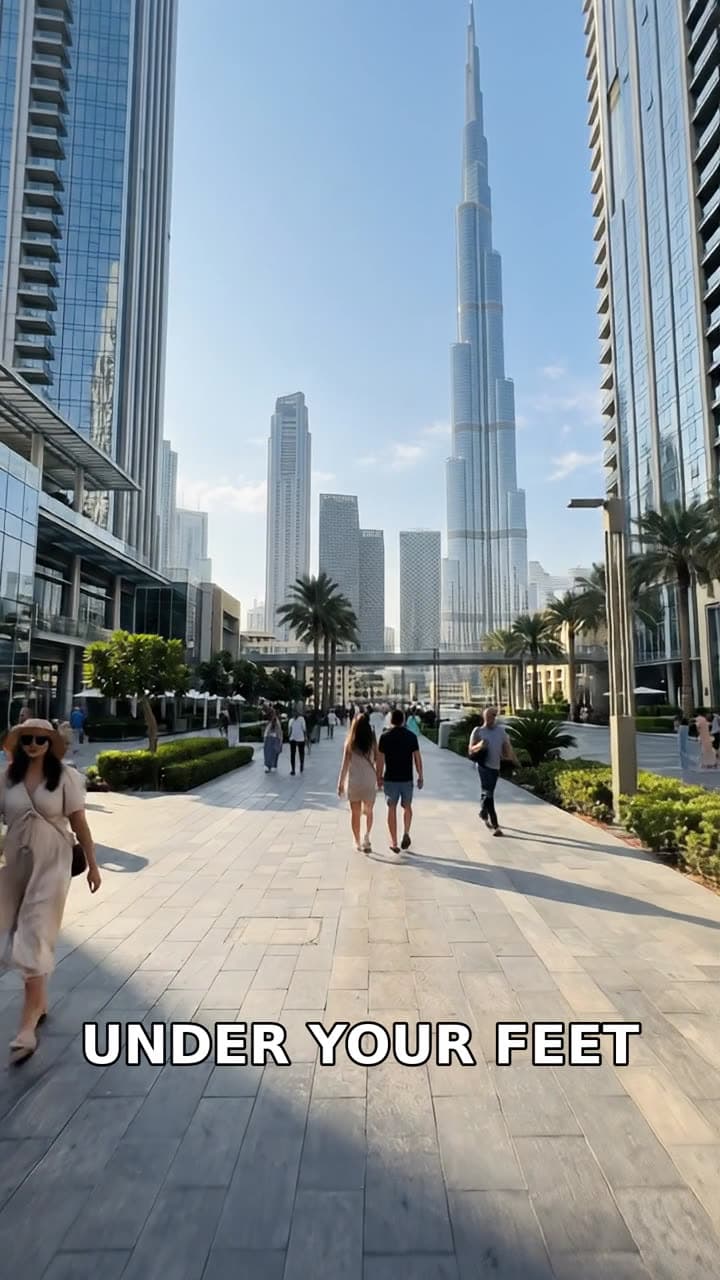
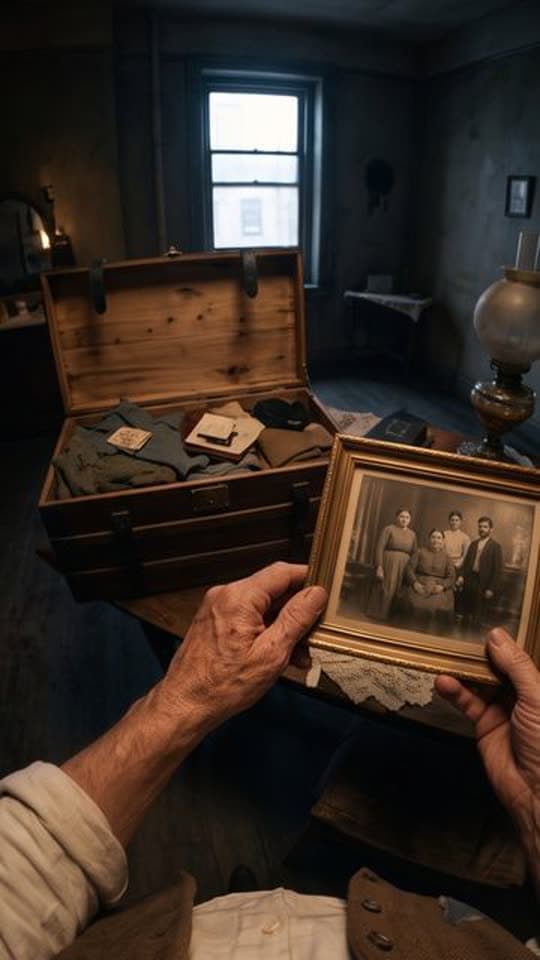
Each idea opens the composer with its format chosen, and you can change either before anything is made.
Formats that fit these ideas

Not quite what you need?
These pages cover the same tool for a narrower goal.
What to know before you create
What does the generator automate?
Is this an automated ai video generator or just a scheduler?
Do I review ideas before they are made?
How many Shorts can it make in a day?
What happens when credits run low?
Does it need a connected channel?
What does one automated Short cost?
Set it once, review in minutes
Set the theme once, review each weekday idea in the minutes it actually takes, and the rest of the week runs on its own: finished Shorts post to your channel exactly on schedule.