A Shorts channel on a loop
YouTube automation for a Shorts channel
YouTube automation with FacelessVideoMaker runs a Shorts channel from one theme, turning each approved idea into a finished Short that posts on the days you choose.
Autopilot schedule
A new Short is ready on every day you pick.
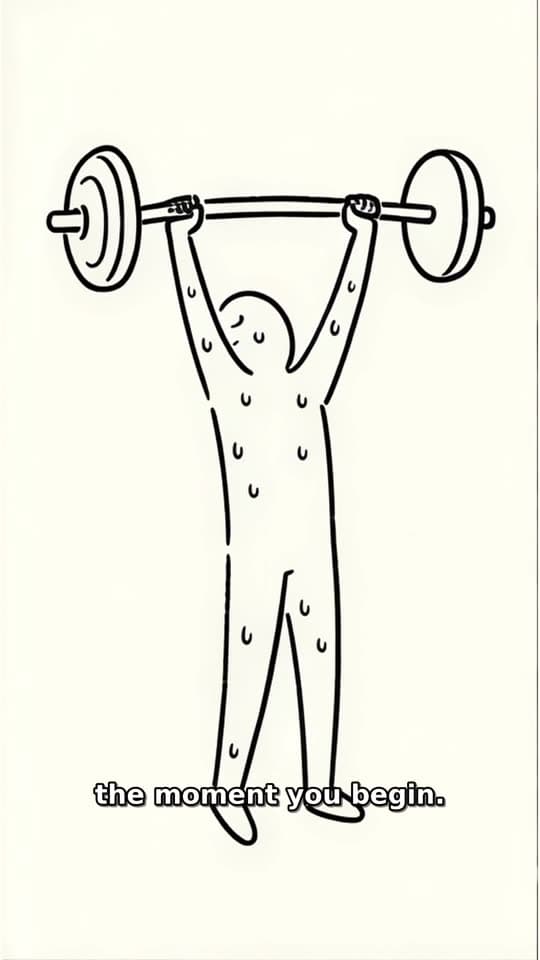
Made with FacelessVideoMaker
Watch finished Shorts in these formats.
Open any format to watch the finished Short and read the idea it came from.
Motion is reduced. Scroll horizontally to browse the formats.
A week of YouTube automation, idea by idea
One theme feeds the whole channel, and each idea waits for you before it becomes a Short. Here is how one channel week comes together.
Example series
“What happens inside your body”
Stickman Doodle
- MonWhy your ears pop on a planePosted
- WedWhat caffeine does in the first hourReady to post
- FriWhy a yawn spreads across a roomBeing made
- MonWhat a fever is actually fighting
- WedWhy hunger arrives in waves
- 01
Set one channel theme
Name what the channel is about, add notes on what to cover, and list the topics it should never touch.
- 02
Fix the look for every upload
One format, style, and voice stay the same across uploads, so the channel reads as a single show.
- 03
Choose the upload days
Tick the weekdays that get a Short, up to 8 a day, and save the timezone your viewers keep.
- 04
Approve each idea
Read every drafted idea, then approve it, ask for a rewrite, or skip that day without paying anything.
- 05
Let it post on schedule
Each approved Short is made with a title, description, and tags, then goes to your channel on its day.
Posting to your YouTube channel
Connect your YouTube channel once, and every finished Short goes to it on its scheduled day. You can still hold one back for a last look before it goes out.
YouTube marks each upload from FacelessVideoMaker as made with AI, and a plain line in your description tells viewers the same thing. Keeping that honest from the first upload protects the automated YouTube channel you are building.
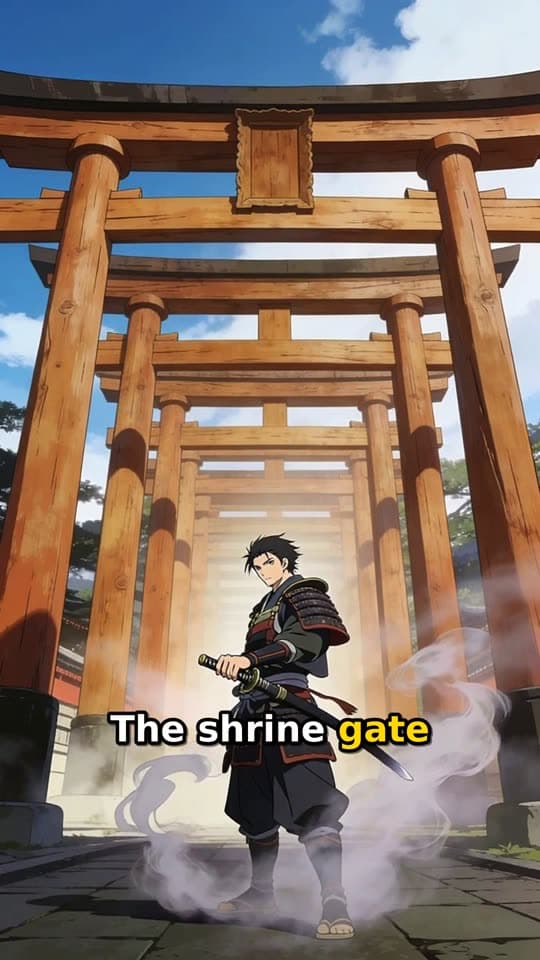
Ready to post
The title, description, and tags stay editable until you send it.
- Now or scheduled
YouTube Shorts
YouTube marks the upload as made with AI
Running a channel by hand or with YouTube automation
Posting by hand means making each Short yourself, while AI YouTube automation keeps the same channel promise going between your reviews. The rows below show where the work moves.
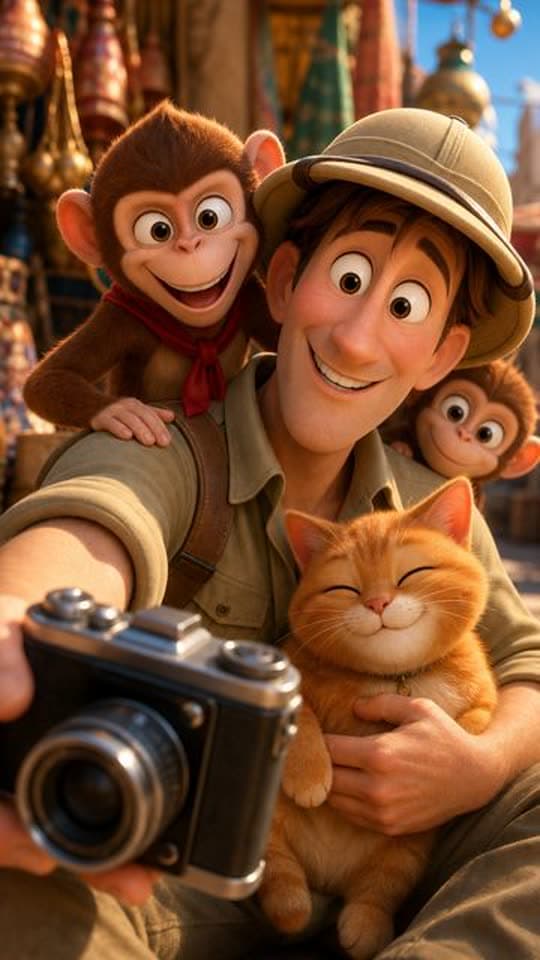
One typed idea becomes one finished Short.
One Short at a time
- Ideas
- You come up with every topic.
- Consistency
- Each Short is set up again.
- Review
- You check each finished video.
- Uploads
- You post each Short yourself.
A new Short is ready on every day you pick.
An automated channel
- Ideas
- Ideas are drafted from the channel theme.
- Consistency
- Format, look, and voice stay saved.
- Review
- You approve each idea before it is made.
- Uploads
- Each Short posts on its chosen day.
What the loop covers, and what it leaves to you
Knowing the edges of YouTube Automation AI up front saves you a surprise later. Here is what the loop does for you and what stays yours.
- 01
Ideas come from your theme
FacelessVideoMaker has no research tool, so every topic comes from the theme and notes you write.
- 02
Script, scenes, voice, and sound
Each approved idea is written, built, voiced, and cut into one finished vertical Short.
- 03
A title, description, and tags
Every upload gets all three written for you and ready to edit, and nothing beyond that trio.
- 04
Your call on every idea
No idea becomes a Short until you approve it, so the channel only ever says what you signed off.
- 05
No camera and no microphone
Nothing is filmed and nothing is recorded, because the narrator is a voice you choose after a preview.
Start from an idea, with the format already picked
Each idea opens the composer with its format chosen, and you can change either before anything is made.
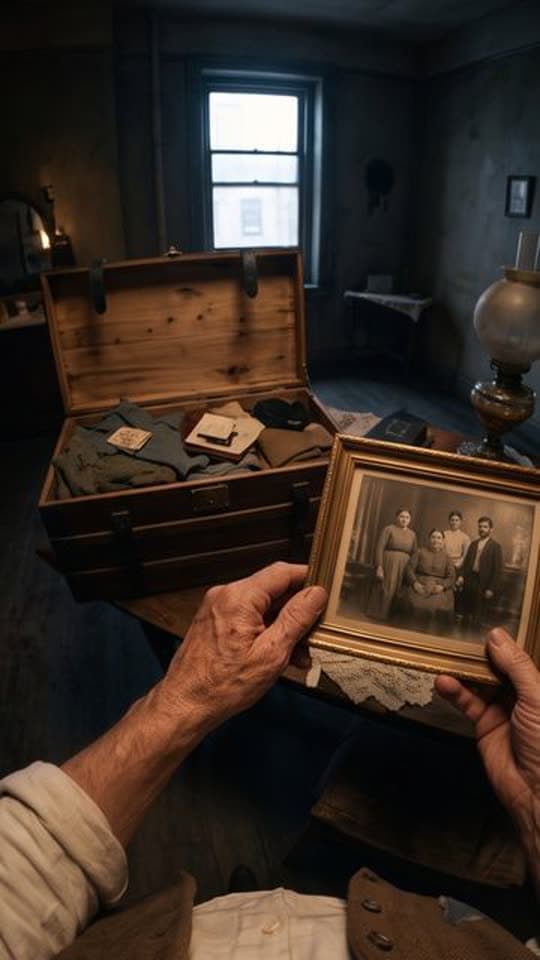
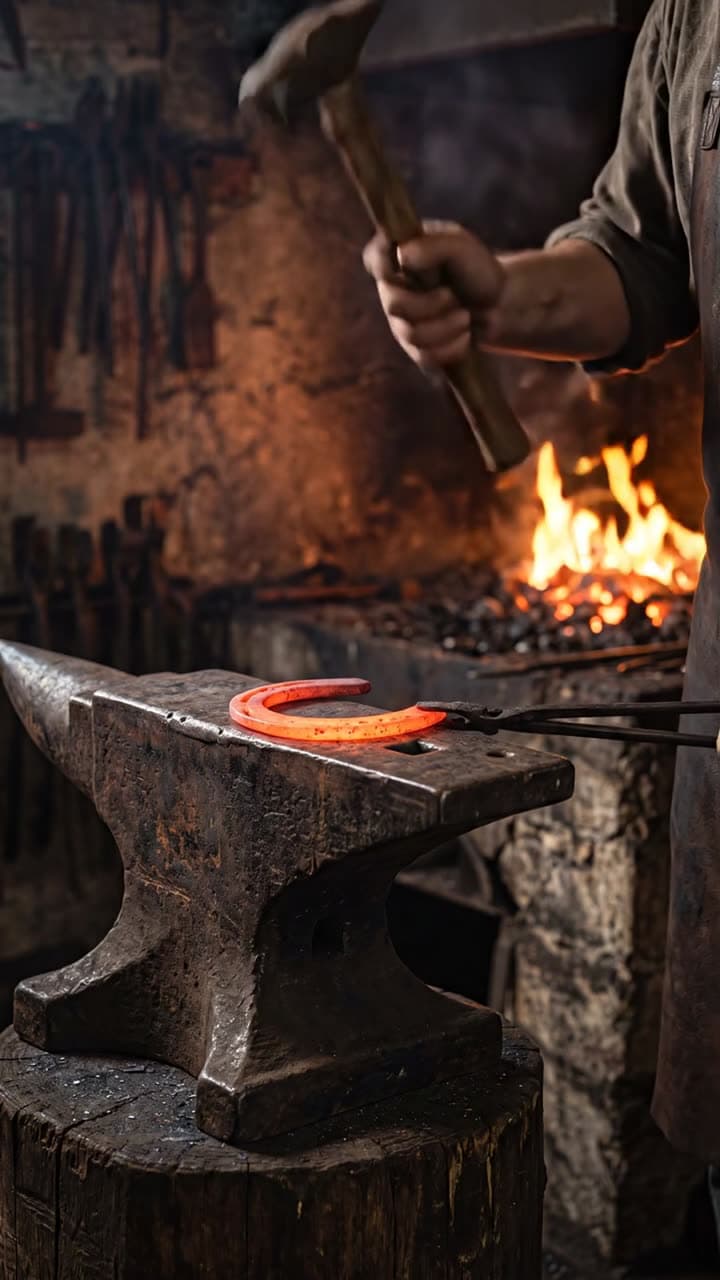
Formats that fit these ideas
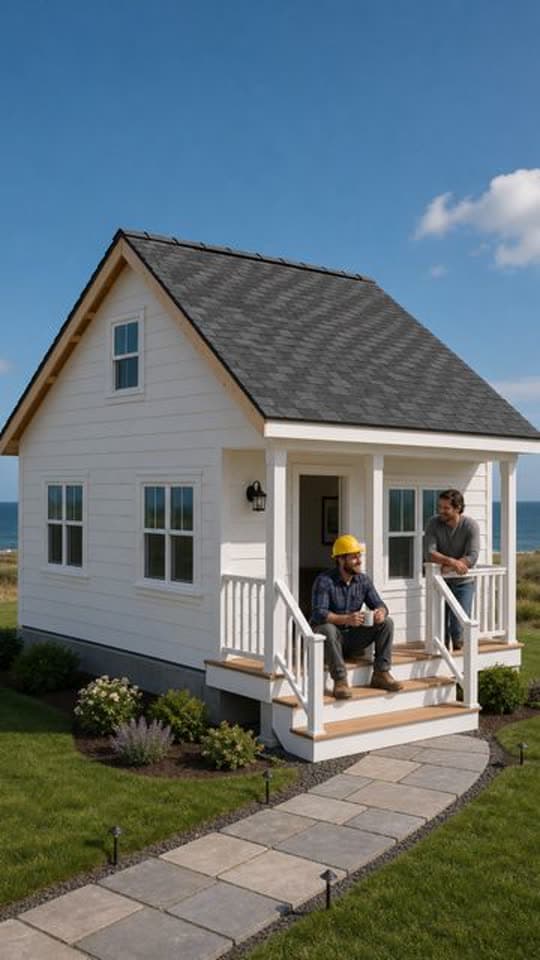
Not quite what you need?
These pages cover the same tool for a narrower goal.
What to know before you create
What does it do for a channel?
Does it find topics for me?
What metadata comes with each upload?
Does it post the Short for me, or do I still have to publish it myself?
Do I need to film or record anything?
Which formats suit a Shorts channel?
What does a channel month cost?
Theme first, uploads follow
Set one theme, review each drafted idea, and the calendar handles the rest: title, metadata, and a post to your connected channel exactly on the day you picked.