Words in, a finished Short out
Text to video AI from one typed line
This text to video AI reads the sentence you type, writes a script around it, and turns that script into scenes, sound, and a finished vertical Short.
Typed idea
“what happens to your body the first week you start exercising”
How text to video AI turns words into scenes
One typed sentence became the Short below, and the narration FacelessVideoMaker wrote from it runs as captions from scene to scene.
“what happens to your body the first week you start exercising”
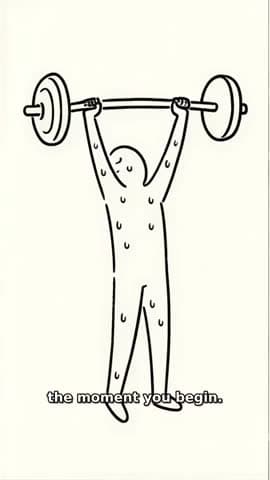
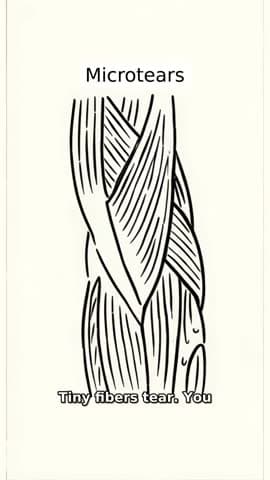

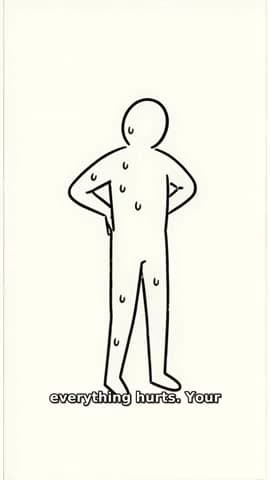
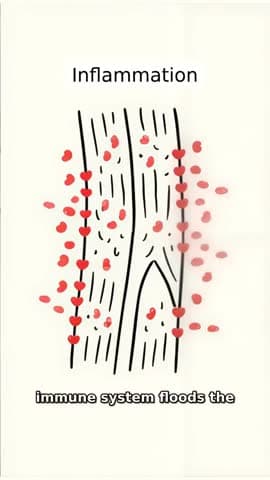
Frame
Vertical 9:16
File
MP4, 720p or 1080p
Length
Up to about 60 seconds
Sound
Set by the format
The sentence you type
It sets the subject and the question, and it is the only input this text to video generator needs.
A script written for you
FacelessVideoMaker expands your line into narration, so there is never a script for you to draft first.
Scenes that follow the words
Each scene draws what the narration says at that moment, and every scene keeps the same look.
Words on the screen
Narrated formats add captions that track the voice, plus short labels like Microtears and Inflammation above.
What to write so the video comes out right
Four parts of one sentence decide what you see: the camera, the action, the place, and the time.
Topic only
“a video about dubai”
Directed
“first person pov walking down the streets of downtown dubai on a sunny morning”
- Camera
- first person pov
- Action
- walking down the streets
- Place
- of downtown dubai
- Time
- on a sunny morning
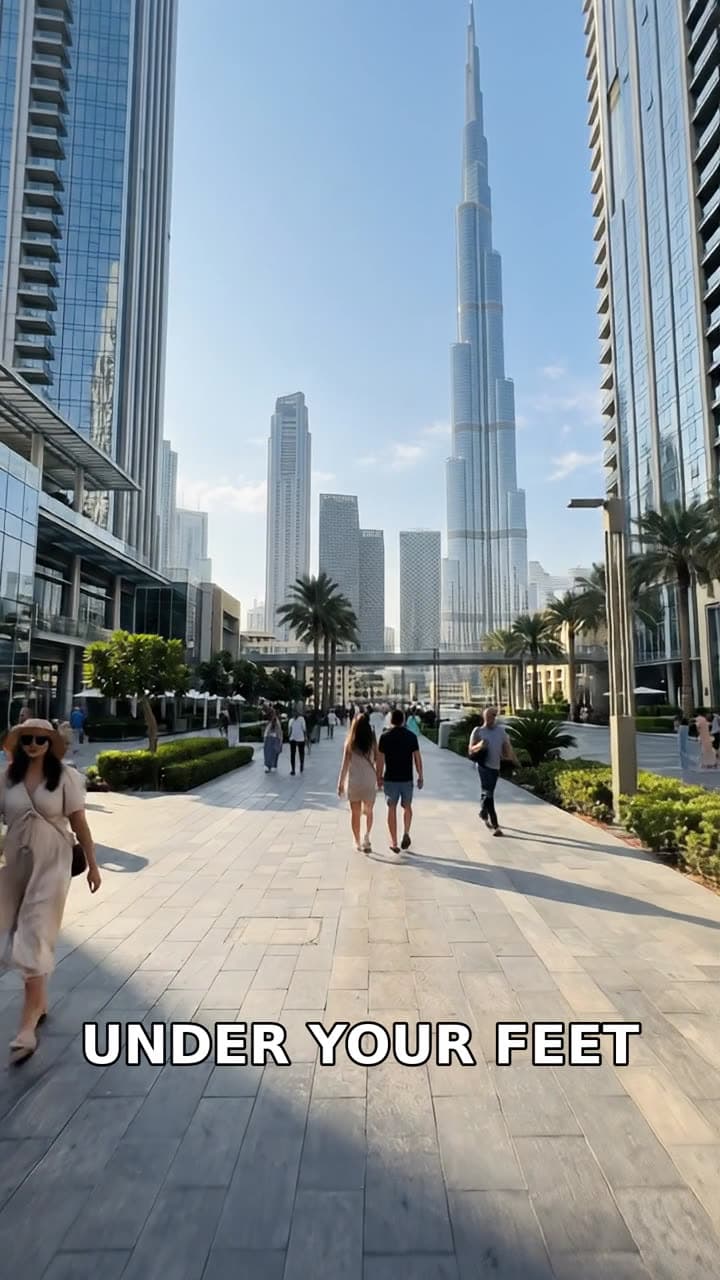
The Short this prompt made
Format: Travel Vlog
Sound: Chosen with the format
- 01
Name the camera
Say how the viewer sees the Short, whether through someone's eyes, from a fixed view, or through drawings under a narrator.
- 02
Give it one action
One clear action, like walking or building, keeps every scene pointed in the same direction.
- 03
Pin down the place
A named place, like downtown Dubai, gives AI text to video something concrete to draw.
- 04
Add the time or mood
A time of day, like a sunny morning, sets the light and the pace of the whole Short.
Which format fits your text
Narrated formats turn your words into a voiceover with captions, while the others carry the idea in pictures alone.
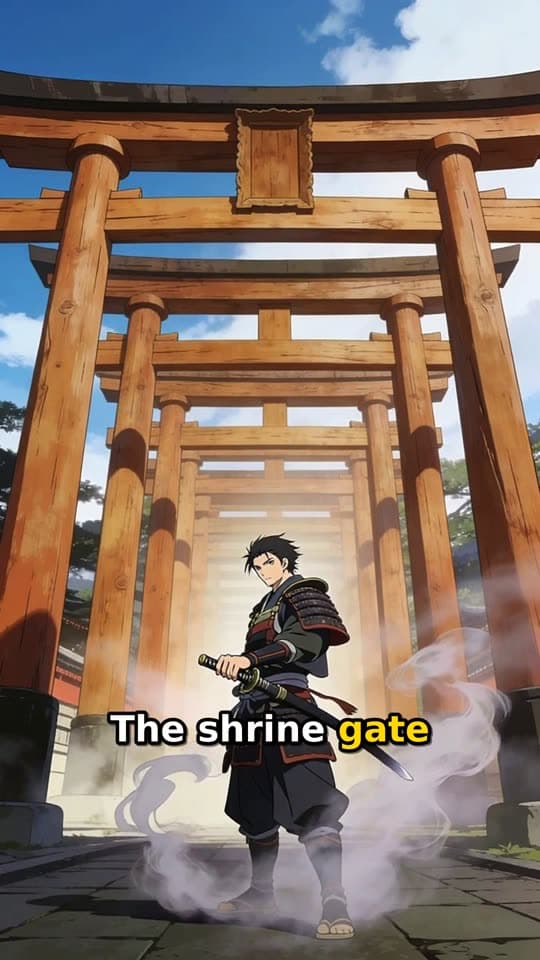
Stories told aloud
Narrated Story
A narrator tells your story over animation, and captions follow every spoken line.
Typed idea
“a lone samurai's final duel at a misty mountain shrine at dawn”
Explainers
Stickman Doodle
Simple drawings act out each point while the narration walks through it in plain words.
Typed idea
“what happens to your body the first week you start exercising”
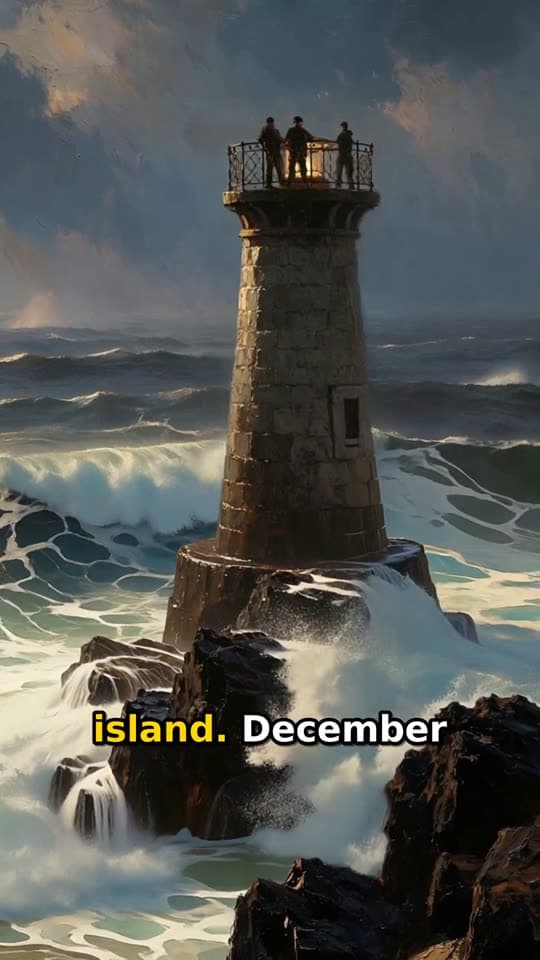
History and mysteries
Living Poster
Painted scenes move gently under a narrator, which suits dates, places, and old unsolved cases.
Typed idea
“three lighthouse keepers who vanished from a locked island in 1900”
Places and walks
Travel Vlog
A first-person walk through a street or a city, built from a line that names where and when.
Typed idea
“first person pov walking down the streets of downtown dubai on a sunny morning”
Builds and changes
Transformation
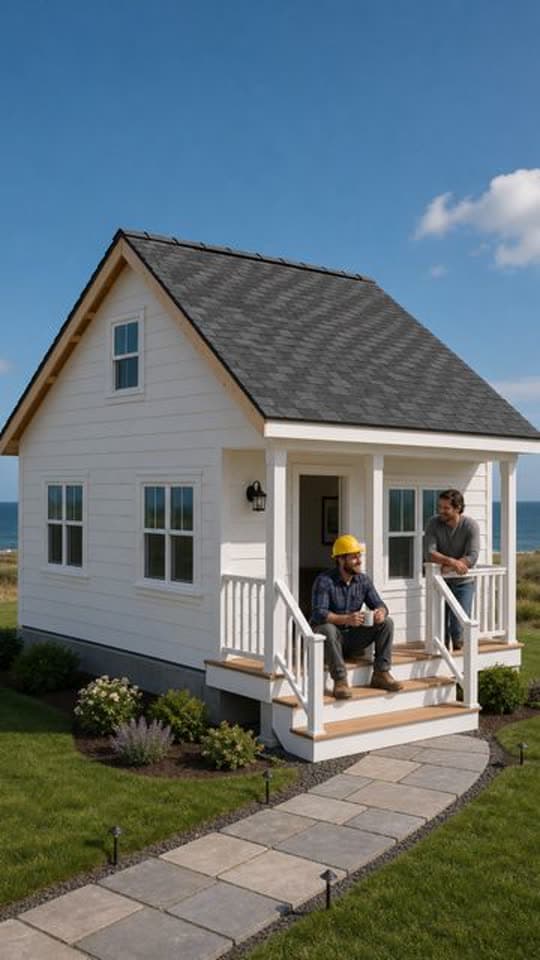
A fixed view watches one thing change, so your text only needs a clear start and a clear end.
Another Transformation Short made with FacelessVideoMaker passed 35M+ views on Instagram.
Typed idea
“farmhouse construction from grounds up”
Moments through someone's eyes
POV
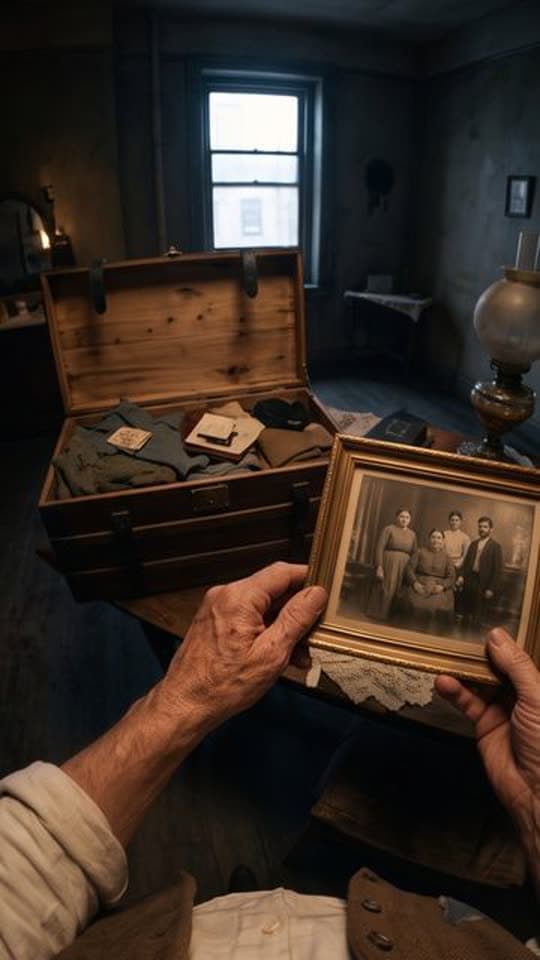
You see the scene through one person's eyes and hands, from a line that says who they are and when.
Typed idea
“A first-person POV of a southern Italian emigrant's journey from their village in 1907 to America, seen entirely through their own eyes and hands, showing the same village, the voyage, and the new world through a cinematic documentary lens, ending with a time-lapse aged hand over an old photograph.”
From typed words to a posted Short
When the Short is done, send it to a connected YouTube, Instagram, or TikTok account right away. You can also pick a later day and time, and edit the title, description, and tags first.
YouTube marks uploads from FacelessVideoMaker as made with AI, and telling viewers so is still up to you. The AI video generator page shows every format this text to video tool can build.
Ready to post
The title, description, and tags stay editable until you send it.
- Now or scheduled
YouTube Shorts
YouTube marks the upload as made with AI
- Now or scheduled
Instagram Reels
Needs a Business or Creator account
- Now or scheduled
TikTok
Start from an idea, with the format already picked
Each idea opens the composer with its format chosen, and you can change either before anything is made.
Not quite what you need?
These pages cover the same tool for a narrower goal.
What to know before you create
What does text to video AI make here?
What kind of text can I type?
Can I use it as an AI video generator from text I already wrote?
Will my words show up on screen?
How does the text to video generator pick the sound?
How long should my text be?
How much does one Short cost?
Write one line, watch it move
Write the one line that describes the Short, and text to video AI turns it into scenes, sound, and a title before showing you the price. From there the finished cut is ready for your connected channel.