Made for your YouTube channel
YouTube Shorts Generator
This YouTube Shorts generator turns one typed idea into a vertical Short made for the Shorts feed, then posts it to your connected YouTube channel now or on a schedule.
Typed idea
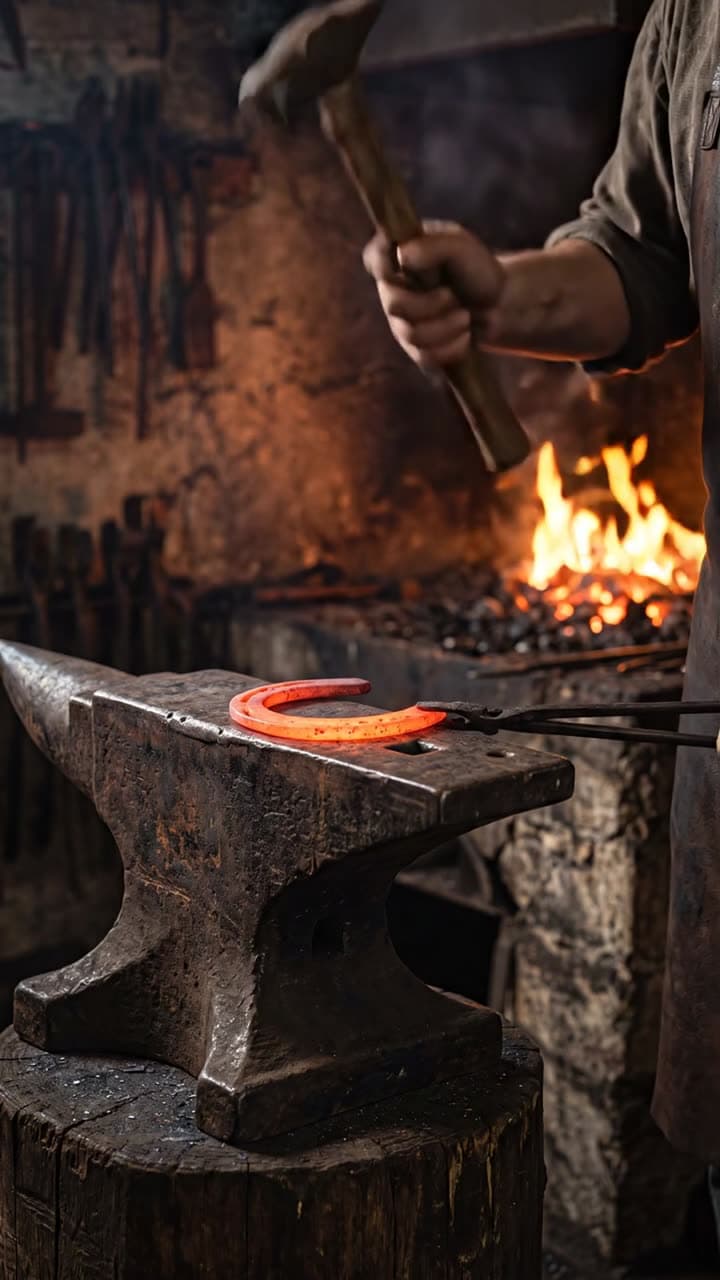
“a blacksmith hammering a glowing horseshoe into shape on an anvil”
What to make with a YouTube Shorts generator
Six kinds of Shorts that fit a YouTube channel, each shown with the real Short and the sentence that made it.
Quick explainers
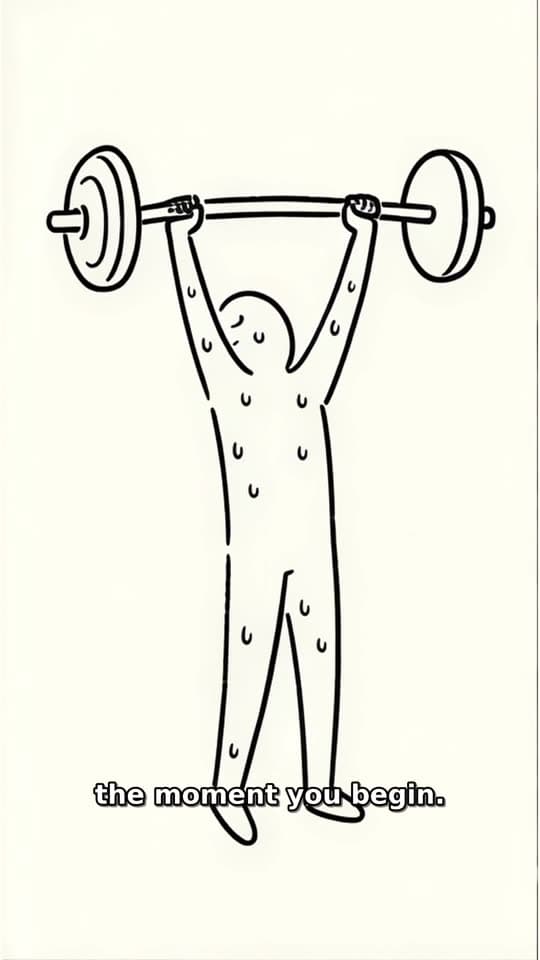
Stickman Doodle
Stick figures act out a question while a narrator answers it, with captions that follow every word.
Typed idea
“what happens to your body the first week you start exercising”
Makers at work
Action
One continuous action shown beat by beat, like a horseshoe hammered into shape on an anvil.
Typed idea
“a blacksmith hammering a glowing horseshoe into shape on an anvil”
Builds and before-and-after
Transformation
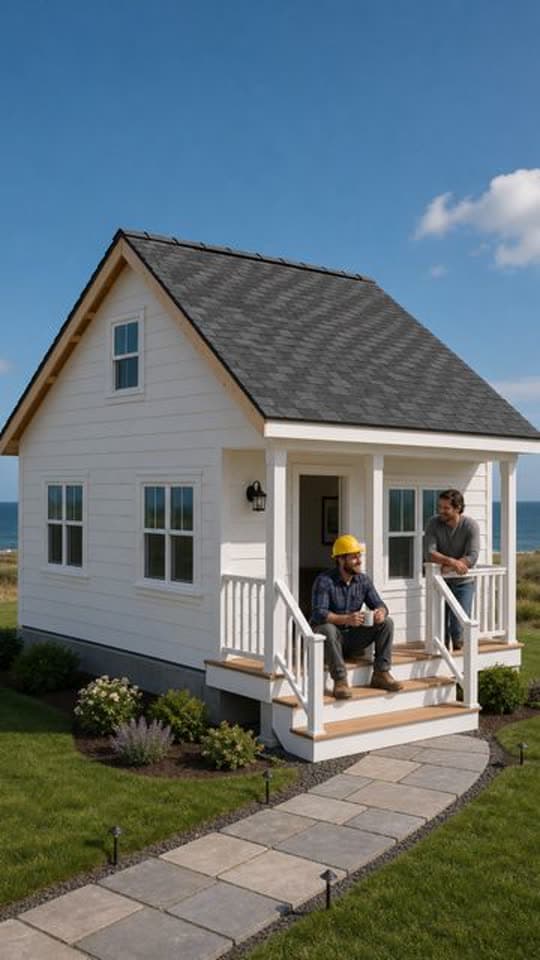
A fixed camera watches a build go from the first slab to the finished porch.
Another Transformation Short made with FacelessVideoMaker passed 35M+ views on Instagram.
Typed idea
“farmhouse construction from grounds up”
History in a minute
Narrated Story
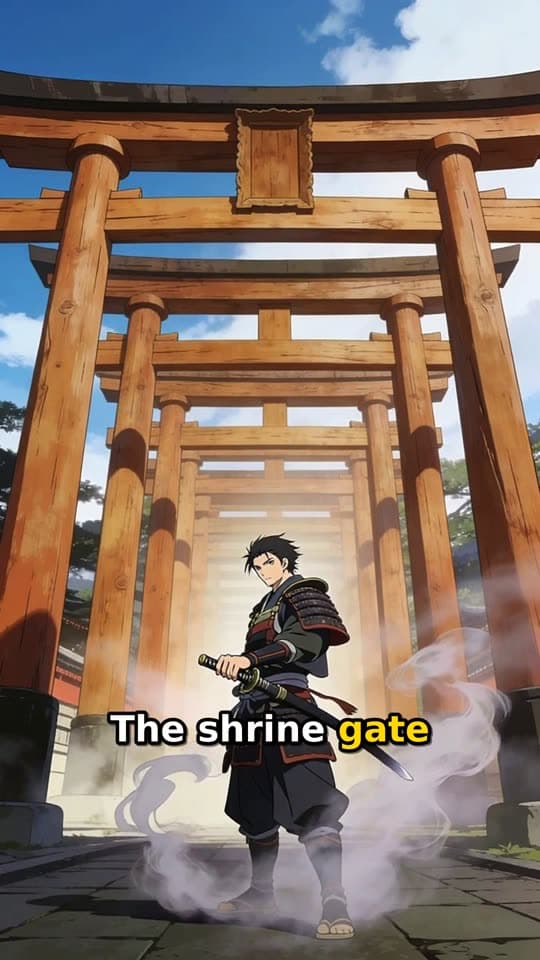
An animated story with a narrator, made for battles, legends, and forgotten events.
Typed idea
“a lone samurai's final duel at a misty mountain shrine at dawn”
Comeback stories
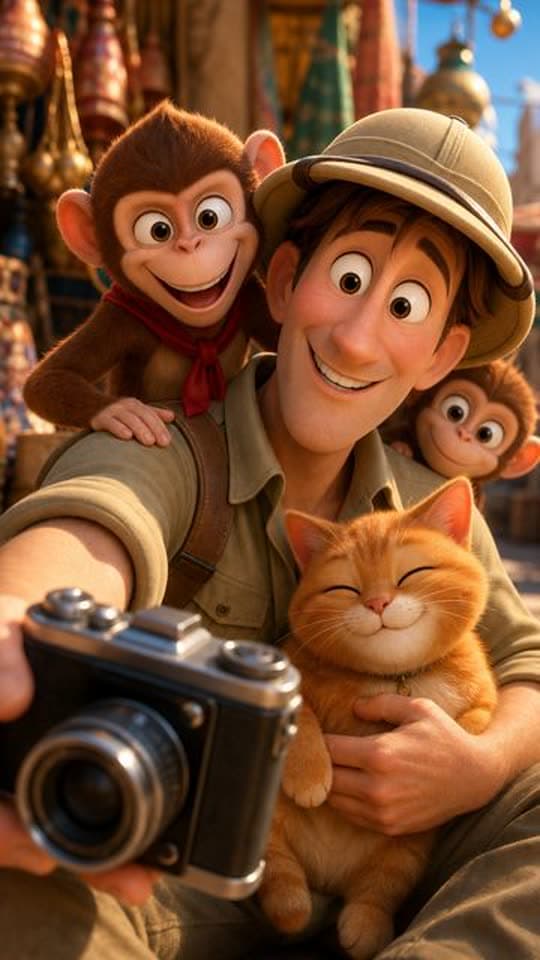
Toon Story
One character changes through weeks of effort, shown in a few seconds of screen time.
Typed idea
“A nervous explorer tries to photograph a majestic palace facade while a mischievous monkey team hijacks his camera gear. The explorer chases the thieves through bustling market alleys, only to find them using his lens to admire a local cat. Defeated but amused, he joins them for a selfie, turning a theft into an unexpected friendship amid colorful Indian architecture.”
Through someone's eyes
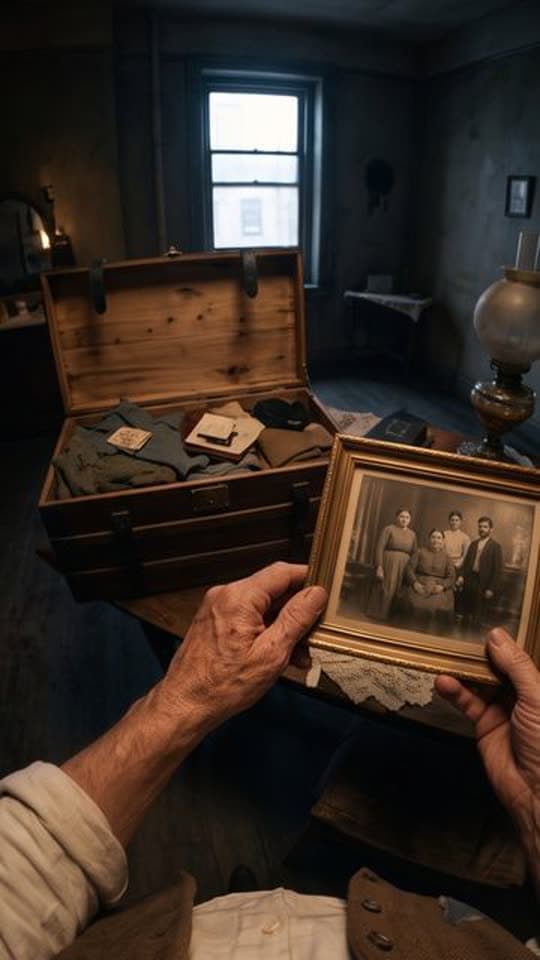
POV
A first-person view with hands in frame, so viewers live the moment instead of watching it.
Typed idea
“A first-person POV of a southern Italian emigrant's journey from their village in 1907 to America, seen entirely through their own eyes and hands, showing the same village, the voyage, and the new world through a cinematic documentary lens, ending with a time-lapse aged hand over an old photograph.”
From idea to upload in four steps
One Short goes from a typed question to your channel, with the price shown before anything is made.
- 01
Type the question
Write the one question or moment the Short should answer, as plainly as you would say it out loud.
- 02
Choose how it looks
Pick a format such as Stickman Doodle, set a length under a minute, and choose the voice.
- 03
See the price
The exact price appears first, and the credits come back if the build fails or you cancel it.
- 04
The finished Stickman Doodle Short, with its title, description, and tags ready to edit.
Post it to YouTube
Check the title, description, and tags, then send it to your channel now or at a set time.
Try it with your own idea
Posting straight to your YouTube channel
Connect your YouTube channel once, and every finished Short can go out right away or at a day and time you choose. The title, description, and tags stay editable until you send it.
YouTube marks uploads from FacelessVideoMaker as made with AI, and telling viewers plainly is still up to you. When one idea should become a weekly run, the YouTube automation page covers the schedule.
Ready to post
The title, description, and tags stay editable until you send it.
- Now or scheduled
YouTube Shorts
YouTube marks the upload as made with AI
How to write an idea worth a Short
A clear idea names four things, and the real prompt beside these steps shows each one.
Topic only
“blacksmithing”
Directed
“a blacksmith hammering a glowing horseshoe into shape on an anvil”
- Who
- a blacksmith
- What happens
- hammering a glowing horseshoe
- Result
- into shape
- Where
- on an anvil
The Short this prompt made
Format: Action
Sound: Set by the format
- 01
Name who or what is on screen
Start with the subject, because an AI YouTube Shorts generator can only build what you actually name.
- 02
Say what happens
Give the idea a verb, so the Short has something to show from the very first second.
- 03
Show where it ends
State the result, like a horseshoe finally in shape, so every scene builds toward a payoff.
- 04
Place it somewhere
Add a setting, which gives each scene the same world to stay inside.
One Short or a weekly series
Post a single Short when you have one idea, or let Autopilot keep your channel supplied on set days.
One typed idea becomes one finished Short.
One Short
- Starting point
- One idea you type.
- Each Short
- You pick the format and sound.
- Your check
- You watch it before it posts.
- Posting
- It goes to your channel now or later.
A new Short is ready on every day you pick.
A series with Autopilot
- Starting point
- One theme, plus what to cover and what to skip.
- Each Short
- Autopilot plans an idea for each day you choose.
- Your check
- You approve, rewrite, or skip each idea before it is made.
- Posting
- Each Short posts to your channel on its day.
Start from an idea, with the format already picked
Each idea opens the composer with its format chosen, and you can change either before anything is made.
Not quite what you need?
These pages cover the same tool for a narrower goal.
What to know before you create
Is this a YouTube Shorts maker or an editor?
How long can each Short run?
Does it post to YouTube for me?
Which Shorts get captions?
Can YouTube Shorts AI write the whole script?
How are AI YouTube Shorts labelled?
What does a Short cost to make?
Your next Short starts with one sentence
Type the idea, check the price, and send the finished Short to your YouTube channel when it looks right.