Guide 3 of 13
2 min read
Describe your Short
Turn a rough idea into one clear sentence that FacelessVideoMaker can use.
One sentence is enough. Say who or what is in it, and what the viewer watches happen.
Write what the viewer will see
PastaFresh pasta folded, cut and dropped into boiling water
BlacksmithA blacksmith hammers a glowing horseshoe into shape on an anvil
Bike repairA mechanic strips down and rebuilds a seized bicycle hub
Drone videoA drone flies through a deep red rock canyon at sunrise
Use the idea box
- Start from an exampleChoose one to fill the box, then edit it.
- Or write your ownName the action and the subject. Add a place only when it matters.
- Use Improve with AIIt adds detail about what the camera should see, and keeps your idea.
See how a description shapes the result
 Cooking ASMR
The description, exactly as it was written
making a hot cup of coffee and then adding 2 eggs in it.Format Cooking ASMR. Nothing else was written: no shot list, no camera direction, no timings.
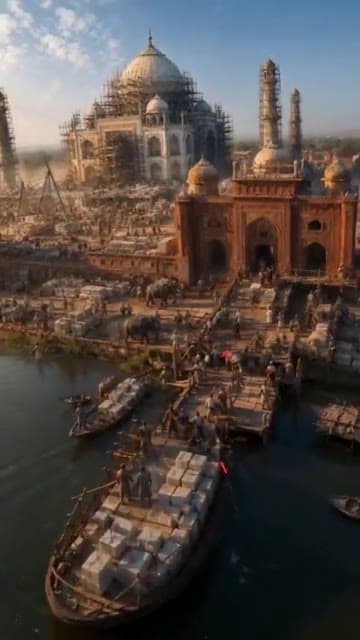 FPV Drone
The description, exactly as it was written
FPV drone weaving through the Taj Mahal as it's being built, past the scaffolding and blocks of white marbleFormat FPV Drone. Nothing else was written: no shot list, no camera direction, no timings.
Leave the look and sound to the settings
You don't need camera angles, cut counts, “4K” or “cinematic” in your idea. Style, resolution and sound have their own controls.
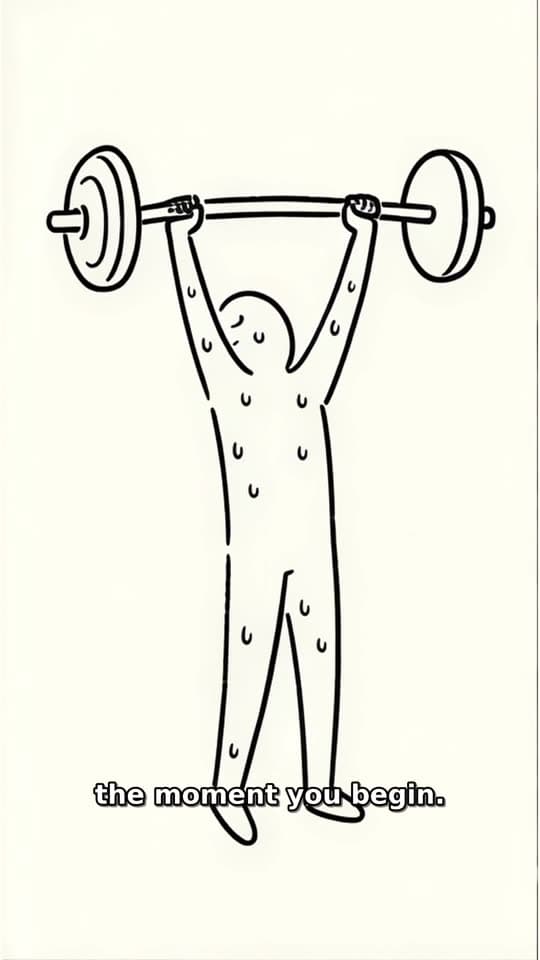 Stickman Doodle
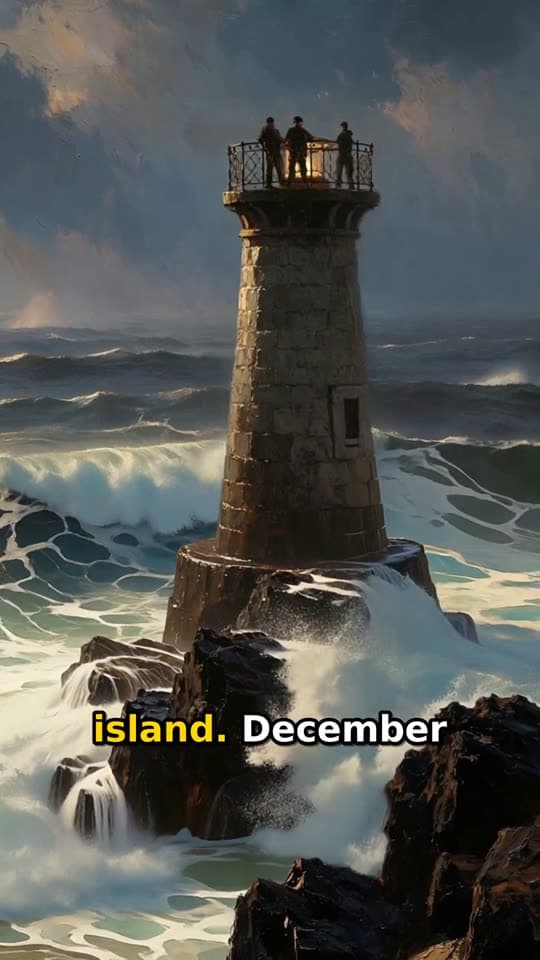 Living Poster
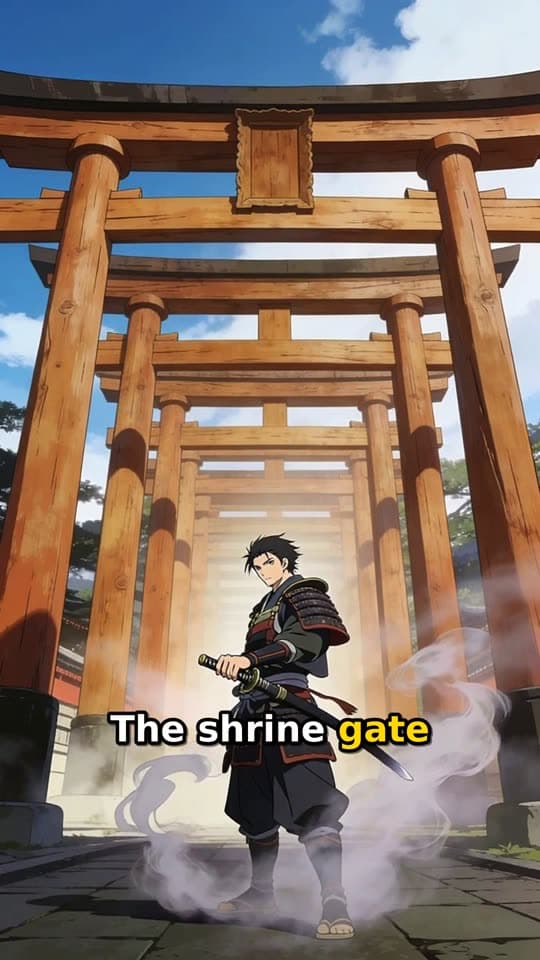 Narrated Story
If the result missed your idea
- No visible action? Turn the topic into something that happens.
- Wrong format? Use Transformation for a before and after. Use a narrated format when there is nothing physical to show.
- Change one thing at a time. The same words can give a different video, but not a clearer one.