Creator stories · 7 min read
Daily Transforms: 100M+ Views and the AI Videos Behind Them
Watch two Daily Transforms Reels with 36.3M and 6.4M reported views, then see the recorded prompt behind a similar floor video and adapt it.
By Faceless Video Maker editorial team7 min read
On this page
A bare bedroom, a pile of material, and a finished floor. Daily Transforms builds its Reels around a change you can follow without any explanation. The room stays the same while something surprising happens under your feet.
Watch two of their Reels below. Then see the prompt for a very similar video, and make your own.
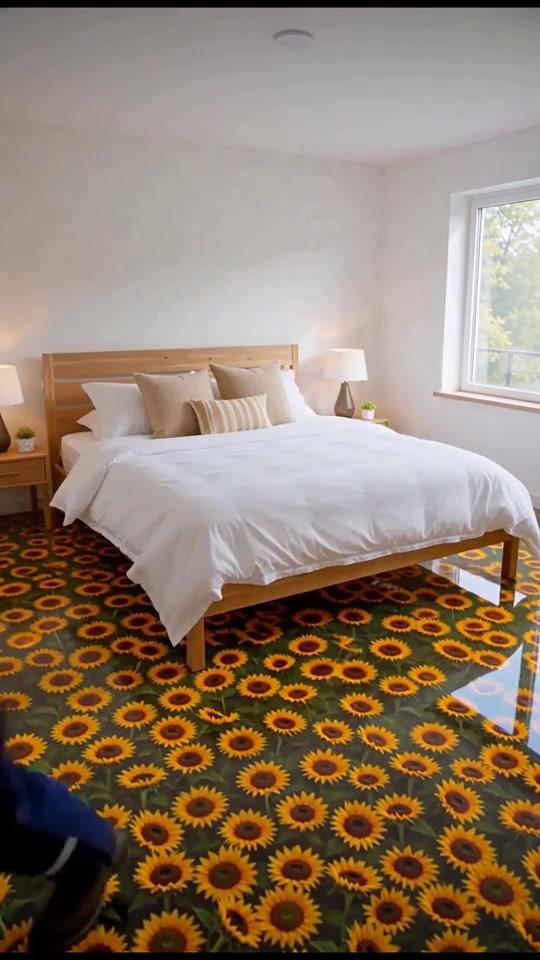
The heart-stone floor: 36.3M reported views
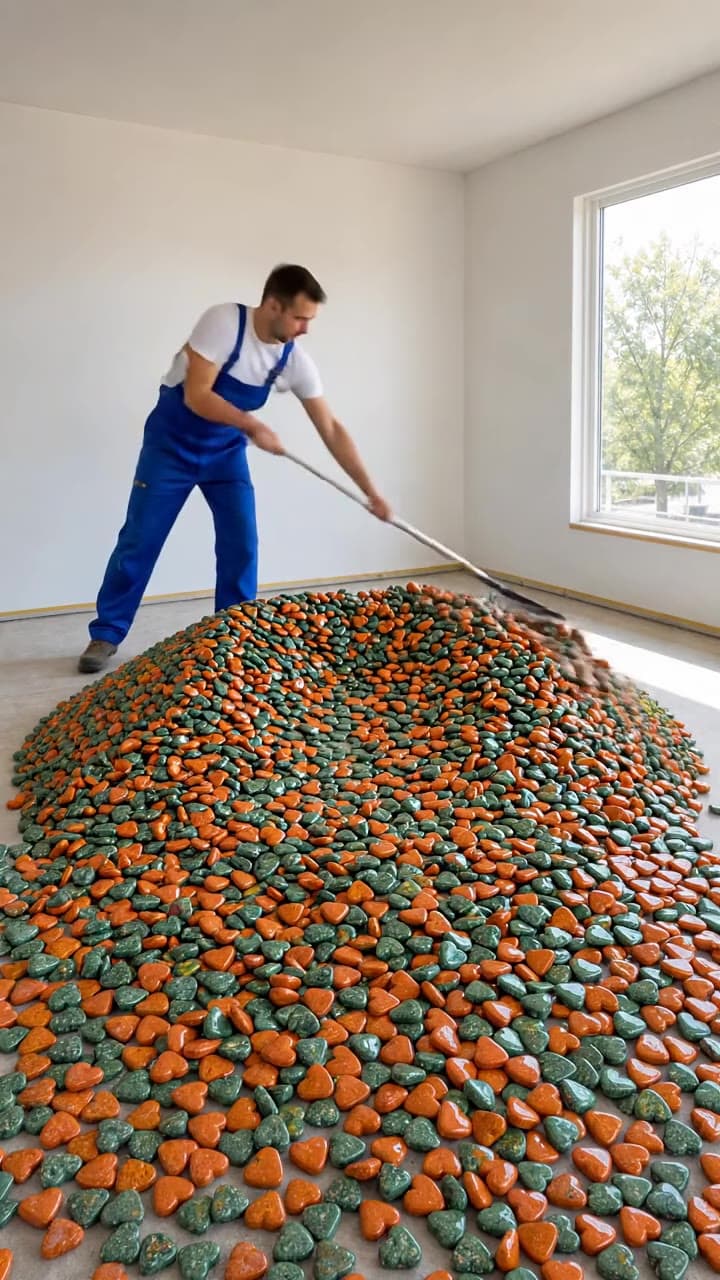
Green and orange heart-shaped stones give this bedroom its unexpected detail. The stones spread across the floor, a white coating covers them, and polishing brings the colors back into view. Once the bed is assembled, the pattern belongs to a finished room.
A second bedroom floor: 6.4M reported views
This version starts with a mound of small, dark pieces in a plain room. The surface turns white before polishing reveals scattered details beneath the finish. The bed arrives last, giving the sequence a clear stopping point.
Why it is easy to follow
Both videos start with a small question: what will this material look like as a floor? The work answers it step by step, and the furniture at the end tells you it is done. You don’t need a new place in every shot to keep people watching.
The prompt behind a floor video like this
Here is a prompt that makes a very similar video in Faceless Video Maker. It got the steps right: the pile, the raking, the coating, the polishing, and the bed at the end. The finished floor came out a little different from what the prompt describes, so treat it as a strong starting point and adjust it.
What each part does
- The room. A pile of slices in an empty white room with one window. The same room shows in every shot.
- One job per person. One man rakes, a woman pours the coating, a worker polishes, and two people build a bed. Each has different clothes, so every step is easy to spot.
- The ending. The bed goes in last, on the finished floor.
- Light and camera. Bright light from the window, with steady shots and slow pans.
What to change for your own version
- The material. Swap the cucumber slices for blue glass pebbles, sunflowers, or wooden coins.
- The room. Try a small bathroom with a narrow window.
- The crew. Give each step its own outfit color.
- The ending. Finish with a bathtub, a desk, or a sofa.
Make it in Faceless Video Maker
- 1Open your dashboard and press Create.
- 2Pick the Transformation format.It is made for a clear before and after.
- 3Paste your prompt.Or press Make this video above and it fills in for you. Change the material and the room to make it yours.
- 4Choose a look, a length, and a sound.
- 5Wait a few minutes, then watch the whole video.You can close the tab. Your Shorts shows the progress.
A good transformation has three moments:
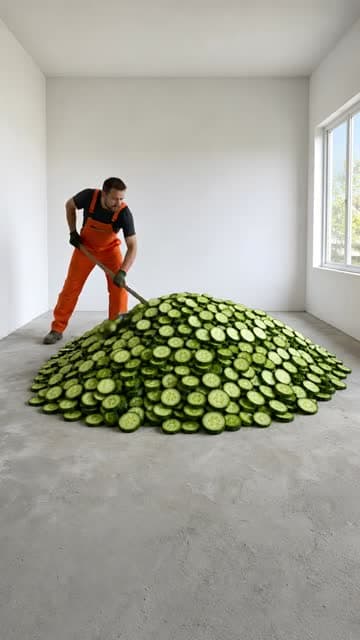 01 Before
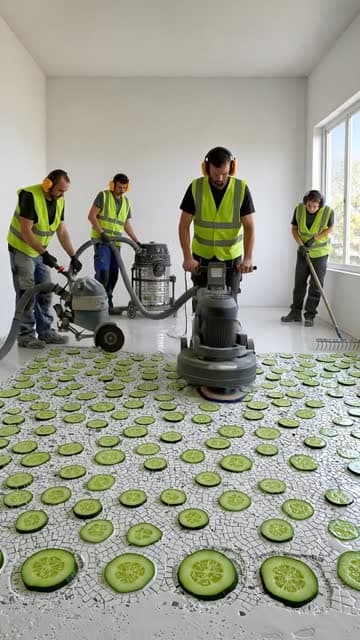 02 The work
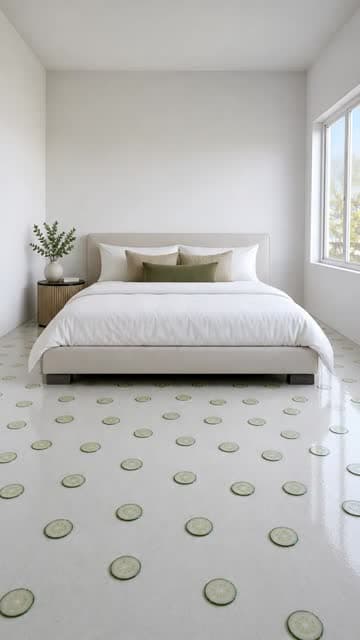 03 Reveal
A new prompt to try
Here is a bathroom version, written for this article. Press the button to open it in the app, then change anything you like.
If it misses, change one thing at a time: the material, the number of steps, or the ending. Then you can tell what made the difference. This one is not Daily Transforms’ original prompt.
Check the result before posting
- Can you see the bare floor before the work starts?
- Do the window and walls stay in the same places?
- Can you still tell what the material is after the coating?
- Does the last shot stay on screen long enough to enjoy?
After you post, Instagram shows how many people skipped in the first 3 seconds and where viewers drop off. Compare those numbers across your videos. The Daily Transforms view counts are context, not a promise for your next video.
Before you post
A realistic scene that never happened is the kind of content YouTube asks you to disclose in Studio’s AI use setting, and Instagram may add an “AI info” label. Check each platform’s current rules before posting. Don’t present a concept room as a real installation.
Make your own
Pick one room and one material, then try the Transformation format in the AI video generator. The format guide shows the other formats.
About the author
Faceless Video Maker editorial team
We write practical guides to making and sharing AI videos, using examples from the product and creators we follow. Have a question about this article? Email us.