Channel ideas · 5 min read
How to Start a Faceless Room Transformation Channel on YouTube
Start a room transformation channel with no face or voice: a real 24-second sunflower floor, a prompt to copy, the misses to check, and a series plan.
By Faceless Video Maker editorial team5 min read
On this page
An empty room, a strange material, and a finished room at the end. Nobody talks. Below: a real example, a prompt to copy, and every step from your first video to a channel that posts on a schedule.
Watch a transformation Short
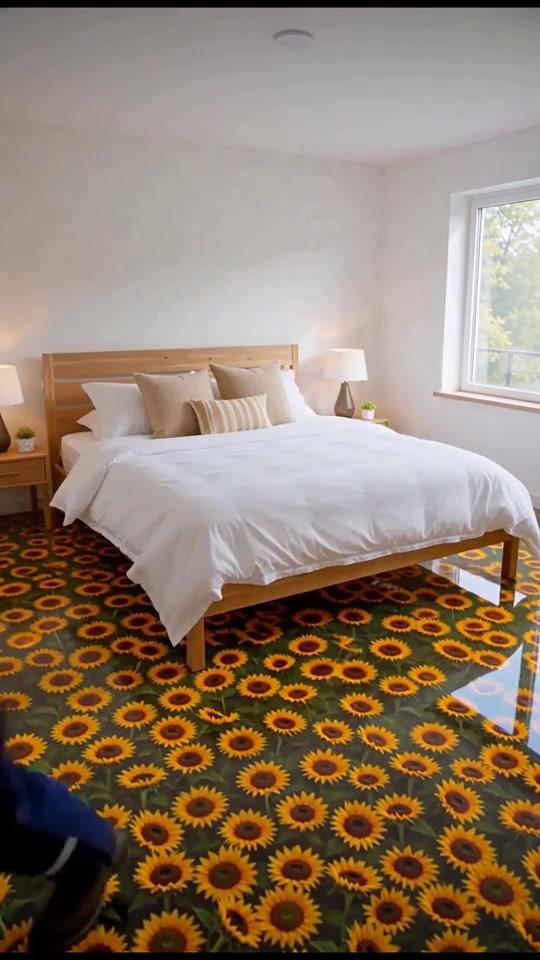
An empty room to a finished bedroom, in 24 seconds:
 01 1s pile
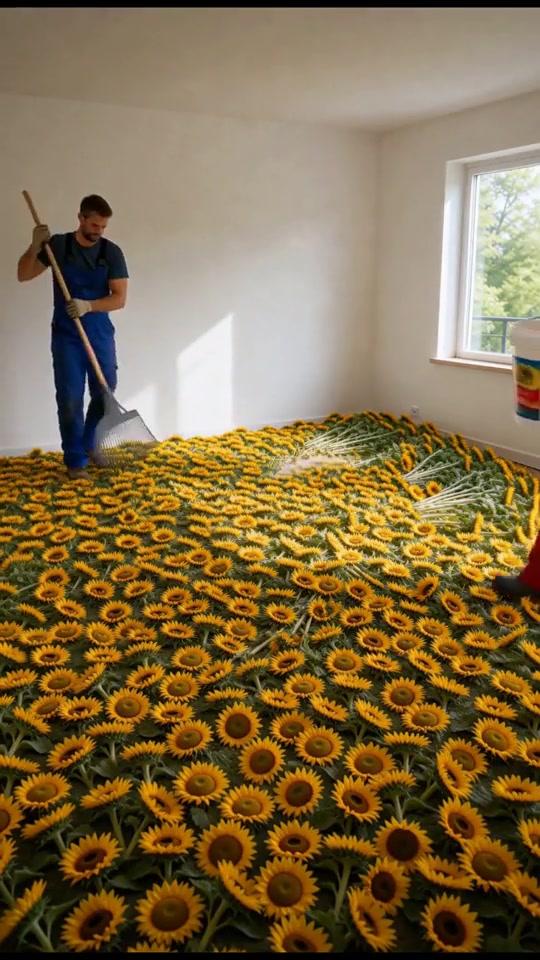 02 4s spread
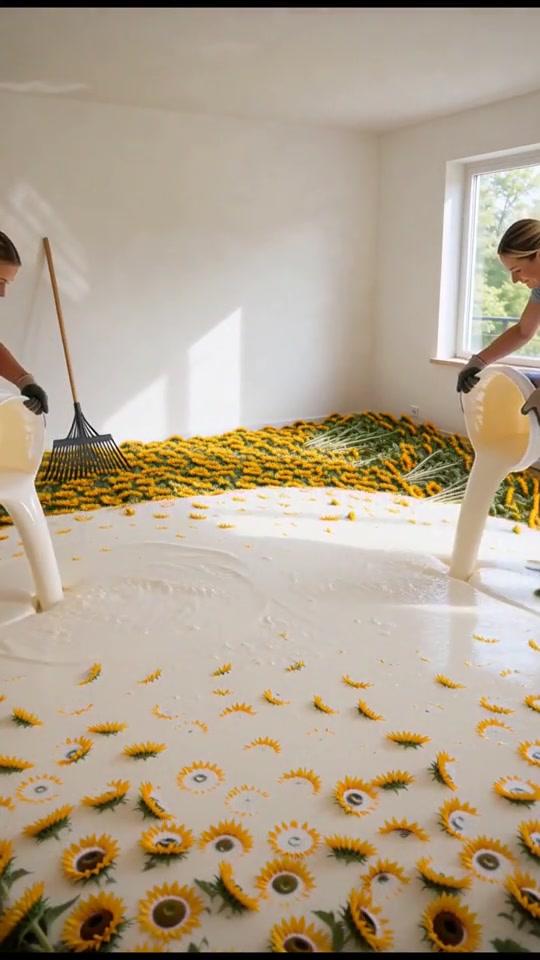 03 8s coat
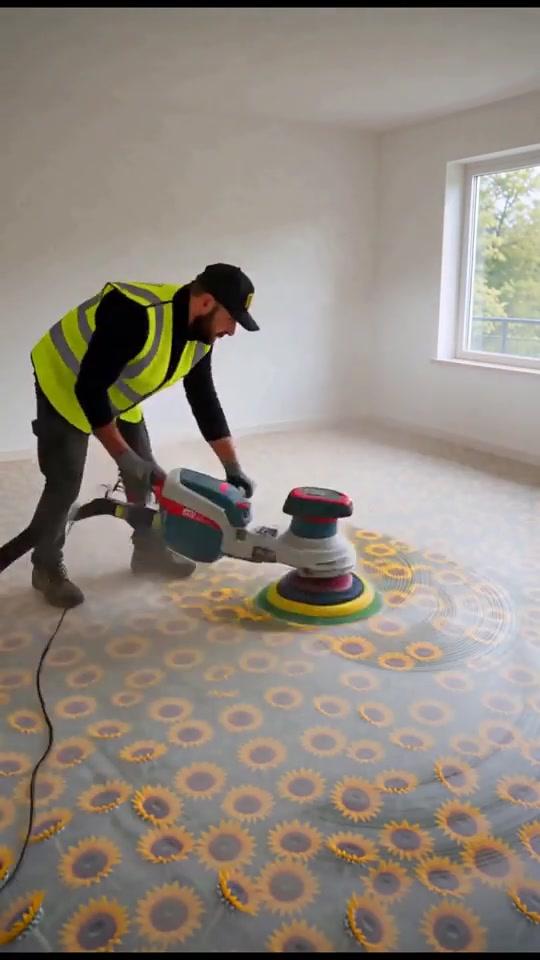 04 12s polish
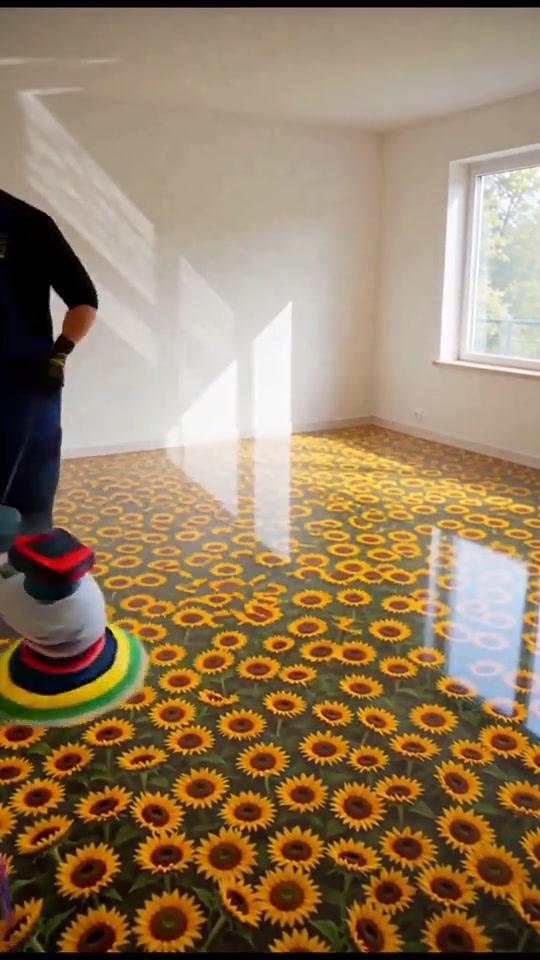 05 18s gloss06 23s done
Pick what your channel makes
People follow a channel for one kind of change. Pick one of these four:
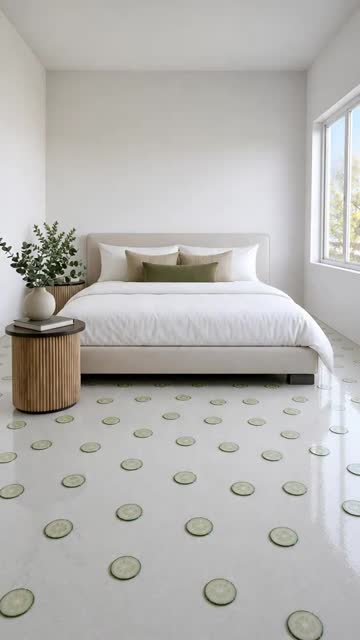 Strange floors
 Builds
 Plant rescues
 Giant objects
This guide follows strange floors. There is always another material to try.
Set up the channel
Then connect the channel once, so you can post from the app.
The prompt
One room, one material, one worker per step, and a finished room to end on:
For the full prompt behind a floor video like this one, see the Daily Transforms breakdown.
Make it in Faceless Video Maker
Create, pick Transformation, choose 24 to 30 seconds and Natural sound, paste the prompt, then Create Short. A failed video returns your credits.
Check it before posting
Pause on every step. The example has two misses:
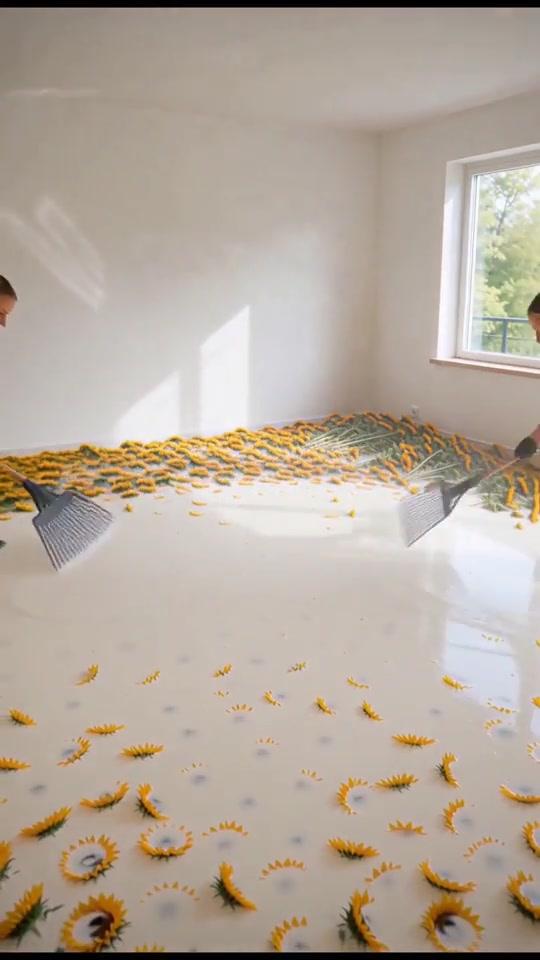 01 Miss: floating rakes
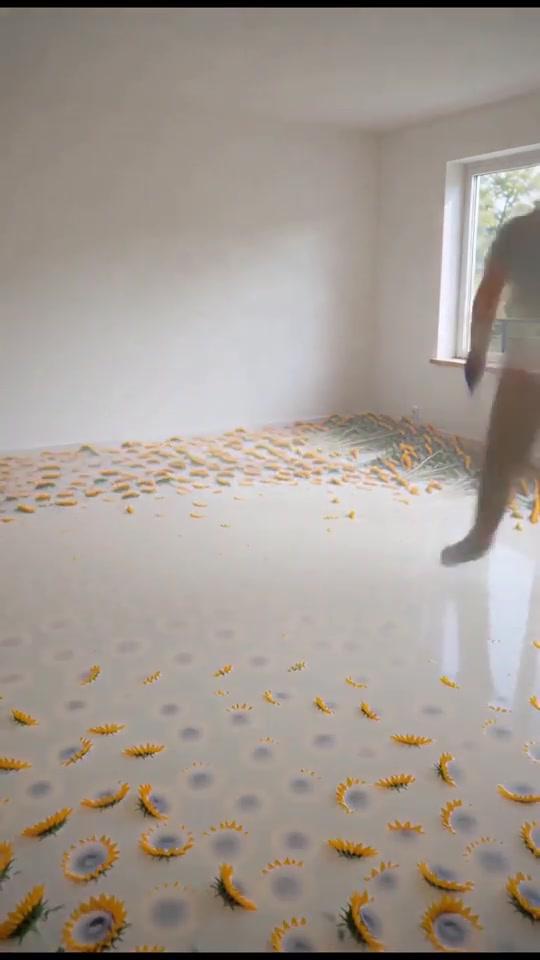 02 Miss: see-through worker03 Good: clear ending
Change one thing, make it again, and compare. The brief guide has more fixes.
Turn one video into a series
Same room, a new material each time. These all came from the Transformation format:
 Heart stones
 Liquid metal
 Glowing wood path
Twelve materials to start with
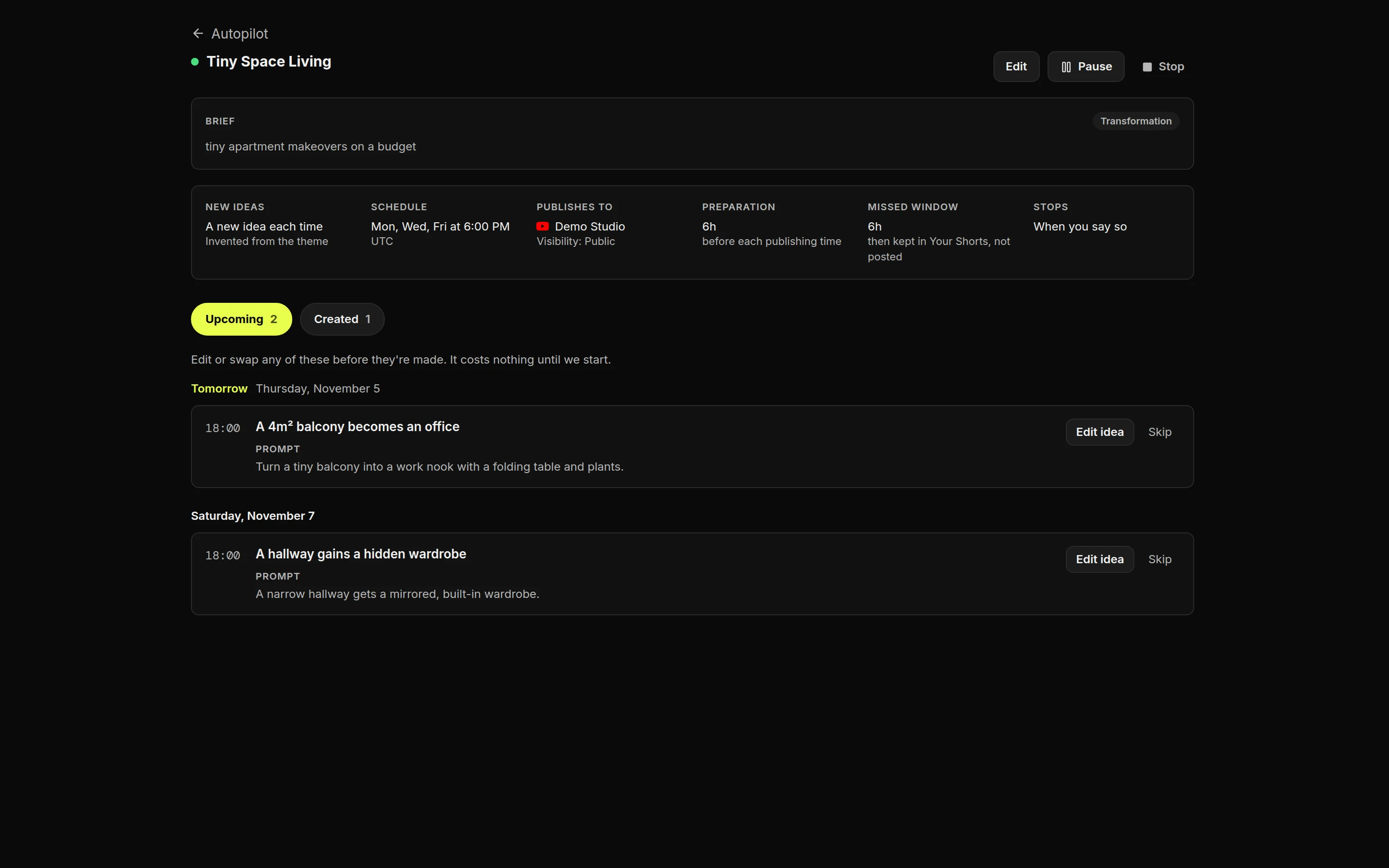
Let Autopilot keep the schedule
Title and cover
Read the numbers
After about ten videos, open YouTube Studio, then Analytics, Content and Shorts, and compare them:
Monetization and YouTube’s rules
Don’t present a concept room as a real installation. Rules change, so check YouTube’s pages before you post. This isn’t legal advice.
Make your own
Press Make this video on the orange-slice prompt, or start in the AI video generator. For daily posting, see faceless YouTube Shorts and YouTube automation.
FAQ
Frequently Asked Questions
Do I need to show my face or use my voice?
No. A transformation channel runs on the change itself. Choose Natural sound in Faceless Video Maker and the video keeps the sounds of the work, with no voice.
Is the prompt in the article the one behind the sunflower video?
No. That video's prompt was not recorded. The orange-slice prompt is new, written for this guide. For the real prompt behind a similar floor video, see the Daily Transforms breakdown.
Why do workers sometimes float or fade?
AI video can lose track of people between shots. Fewer workers on screen at once, each in different clothes, makes it happen less. Check every step before you post.
Do I have to label these videos as AI?
A realistic room that never existed is the kind of content YouTube asks you to disclose. Turn on the altered or synthetic content setting when you upload.
How long should a transformation Short be?
24 to 30 seconds fits three or four steps and a reveal. If people leave in the middle, cut a step.
About the author
Faceless Video Maker editorial team
We write practical guides to making and sharing AI videos, using examples from the product and creators we follow. Have a question about this article? Email us.