Channel ideas · 5 min read
How to Start a Faceless Kids’ Story Channel on YouTube
Start an animated kids' story channel with no face: a real 32-second squirrel story, a prompt to copy, a series plan, and YouTube's made-for-kids rules.
By Faceless Video Maker editorial team5 min read
On this page
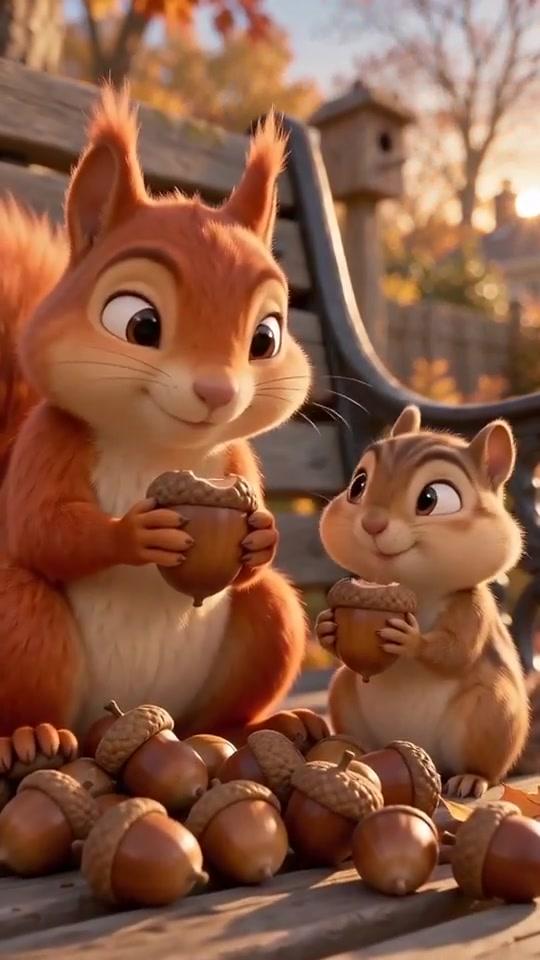
A cartoon animal, one small lesson, and a happy ending in about 30 seconds. Below: a real example, a prompt to copy, the steps to a channel that posts on a schedule, and the kids’ rules you must follow.
Watch an animal story Short
A whole story with a lesson, in 32 seconds:
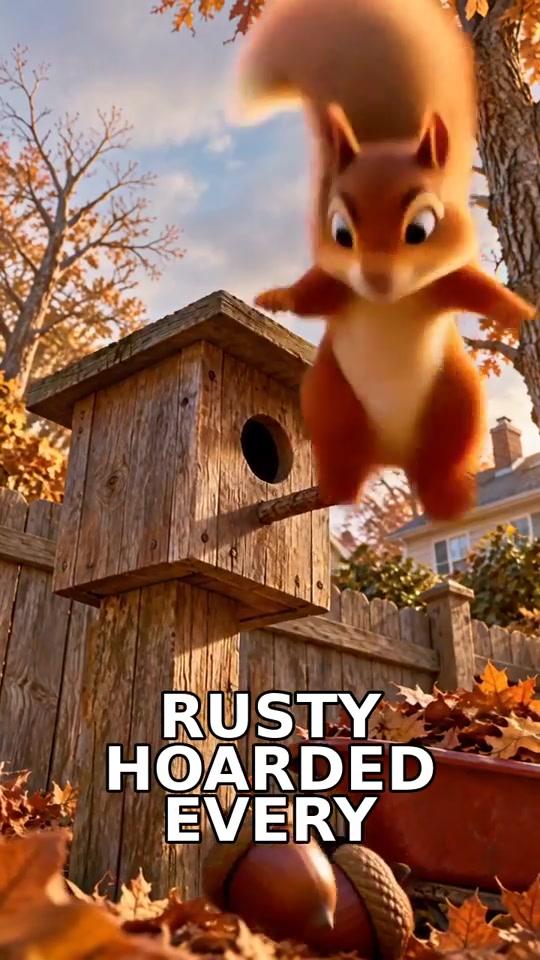 01 1s Rusty
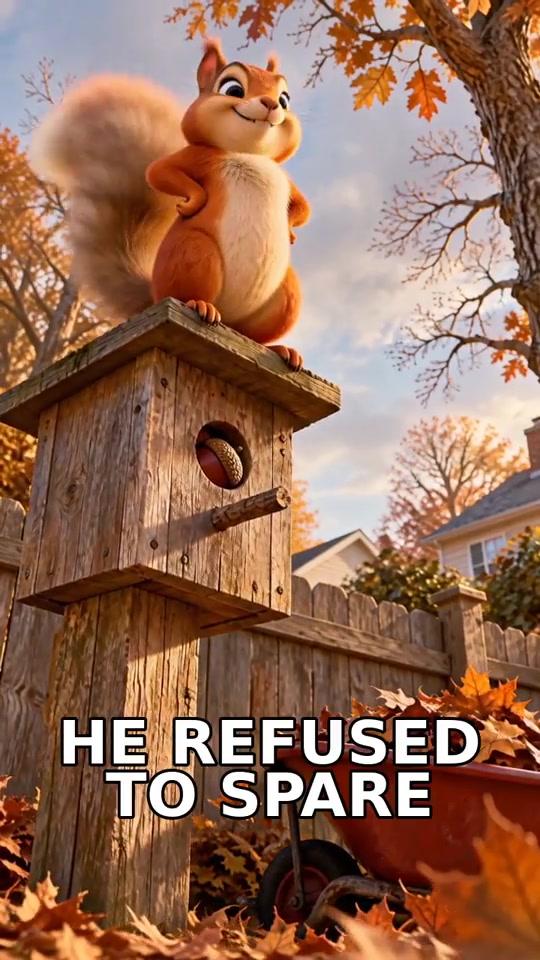 02 6s mine
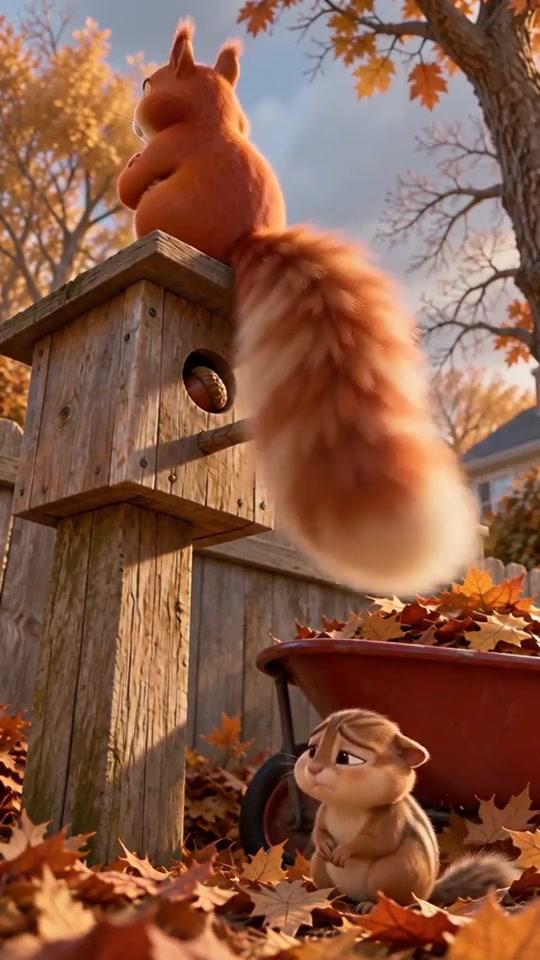 03 11s slip
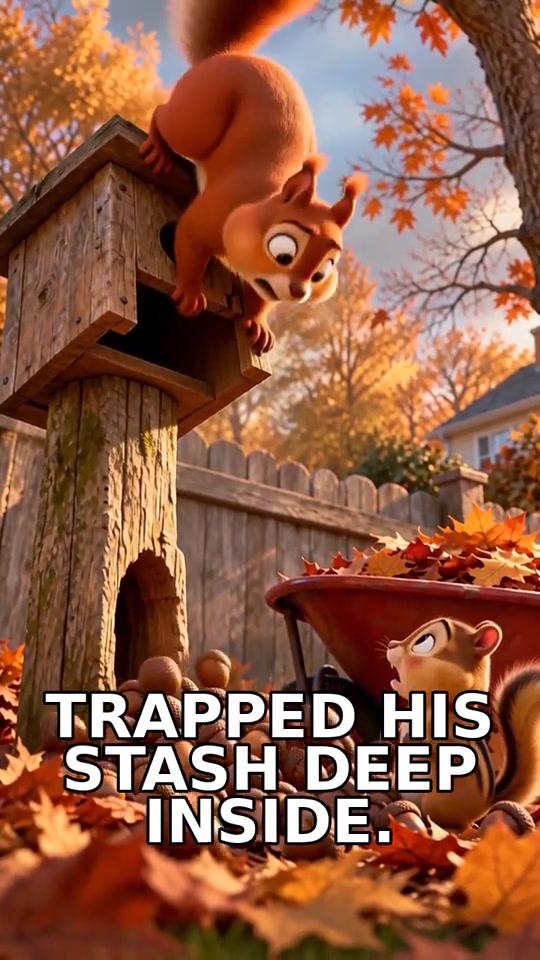 04 16s stuck
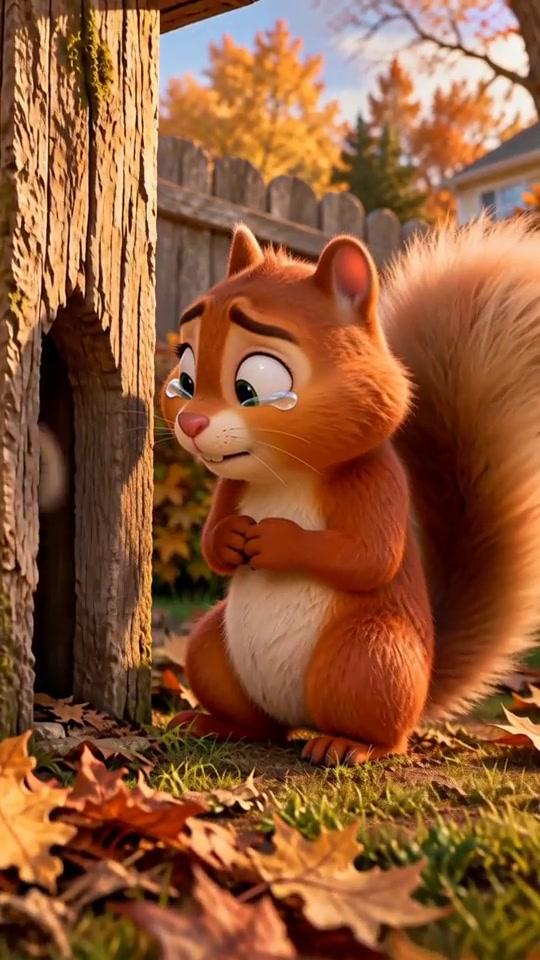 05 23s sad06 30s share
Pick what your channel makes
Parents come back for one kind of story. Pick one of these four:
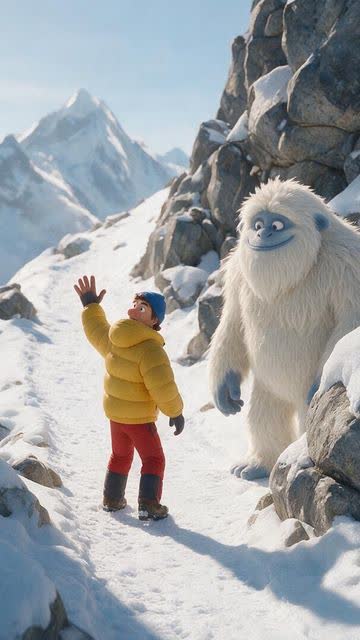 Animal lessons
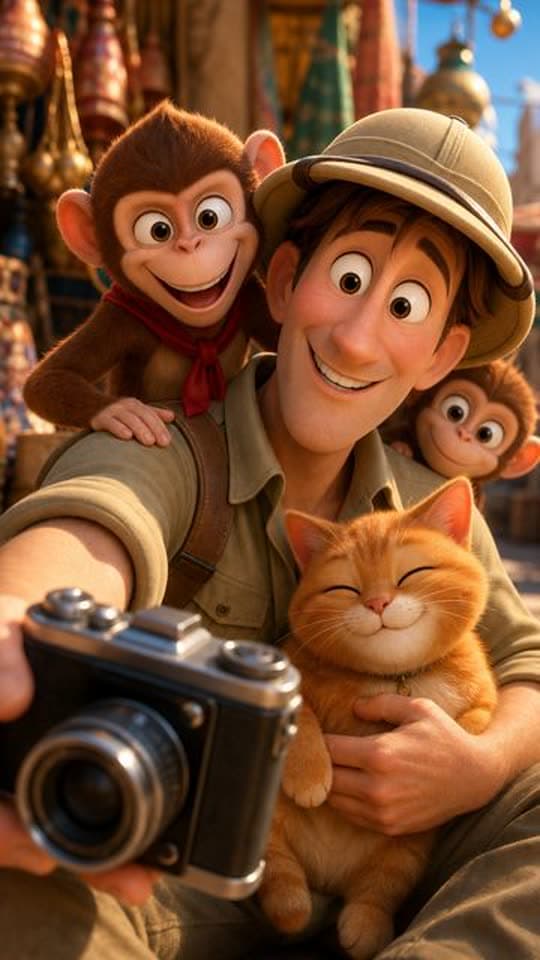 Cozy adventures
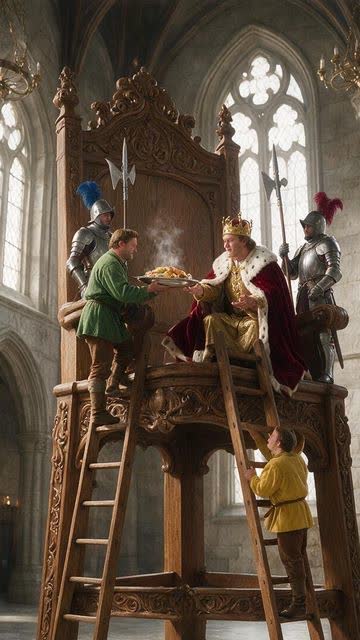 Silly mishaps
 Gentle bedtime
This guide follows animal lessons. Each lesson, like sharing or saying sorry, becomes a new story.
Set up the channel
Then connect the channel once, so you can post from the app.
The prompt
One animal, one problem, one lesson, and a happy last shot:
Make it in Faceless Video Maker
Create, pick Toon Story, choose about 30 seconds and Narration, paste the prompt, then Create Short. A failed video returns your credits.
The recording shows the Transformation format. The steps are the same for every format.
Check it before posting
Watch it as a parent would. In the example, check these three frames:
01 Same squirrel?02 Still the same?03 Caption reads right?Change one sentence, then make it again. The brief guide has more fixes.
Turn one video into a series
Same world, a new lesson each time. These all came from the Toon Story format:
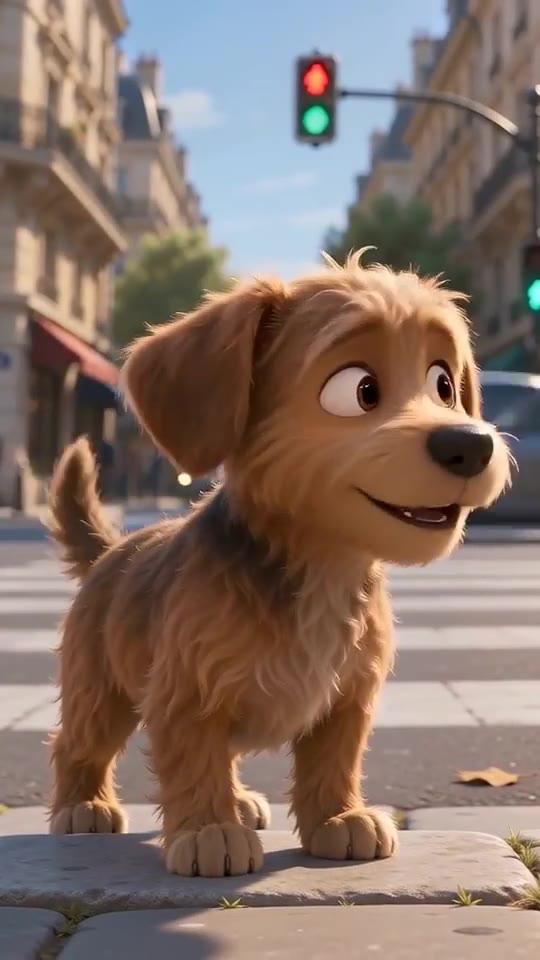 A puppy finds a home
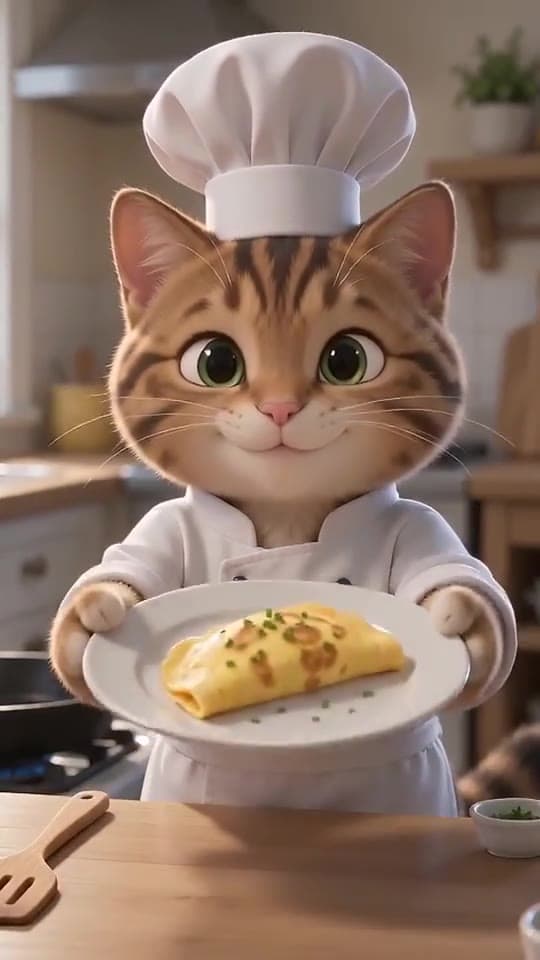 Cat chef
 Kitten and flowers
Twelve lessons to start with
Let Autopilot keep the schedule
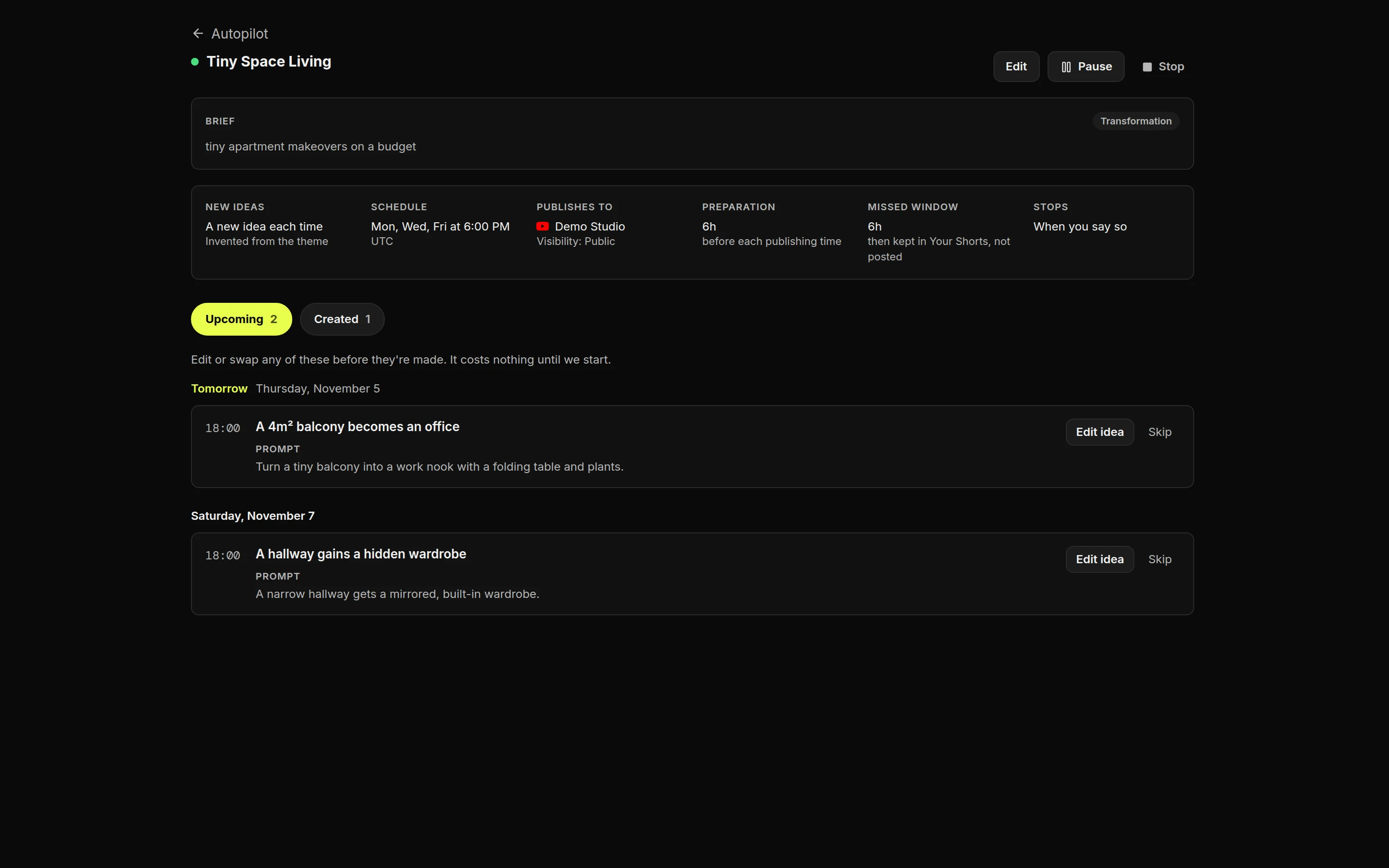
Title and cover
The made-for-kids rules
YouTube requires you to say whether videos are made for kids, and calls it your legal responsibility under COPPA, the US children’s privacy law. A story for young children is made for kids, and then some features switch off:
Plan for that: growth comes from YouTube recommending your stories next to other kids’ videos.
Monetization and YouTube’s rules
Rules change, so check YouTube’s pages before you post. This isn’t legal advice.
Make your own
Press Make this video on the hedgehog prompt, or start in the AI video generator. For daily posting, see faceless YouTube Shorts and YouTube automation.
FAQ
Frequently Asked Questions
Do I have to mark these videos as made for kids?
If the stories are for young children, yes. YouTube requires you to say whether your videos are made for kids and calls it your legal responsibility under COPPA.
What changes when a video is made for kids?
Comments, personalized ads, notifications, end screens and saving to playlists are switched off for that video. Growth comes from YouTube recommending it next to other kids' videos.
Do cartoon videos need the AI label?
YouTube's synthetic content label is for realistic scenes. Clearly animated content like these stories is exempt.
Is the hedgehog prompt the one behind the squirrel video?
No. The squirrel video's prompt was not recorded. The hedgehog prompt is new, written for this guide. Results change every time, so watch each story before you post it.
How long should a kids' story Short be?
About 30 seconds fits a problem, a fix and a happy ending.
About the author
Faceless Video Maker editorial team
We write practical guides to making and sharing AI videos, using examples from the product and creators we follow. Have a question about this article? Email us.