Guide 6 of 13
1 min read
Sound and voice
Choose whether your Short uses dialogue, narration, natural sound, music or silence.
You choose the sound on step 1, under the length. Only the options your format supports are shown.
Find the sound options
- Keep the default if you are unsureEach format starts on the sound that suits it best.
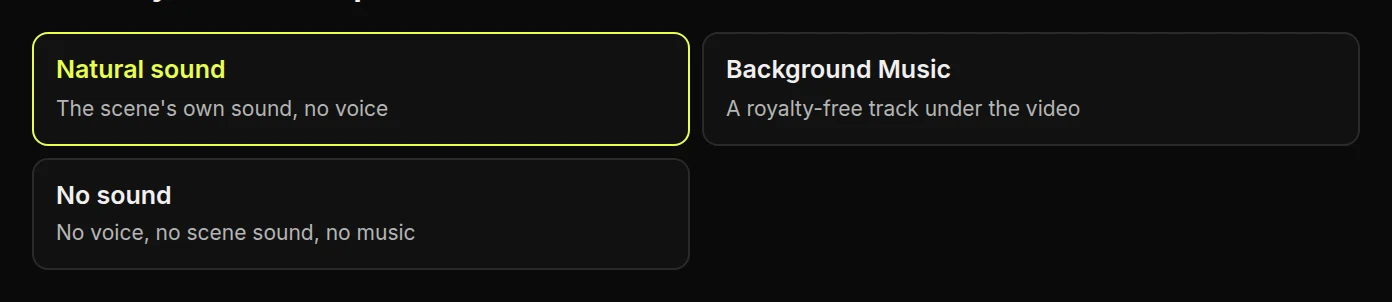
Choose what the sound should do
NarrationA voice explains the idea.
Natural soundSizzling, chopping, wind. No voice.
Background MusicA royalty-free track sets the pace.
No soundFor when you will add audio yourself.
DialogueCharacters talk to each other. Toon Story only.
Hear the voices
These are the narrator previews from the app. Press one to listen, and press it again to stop.
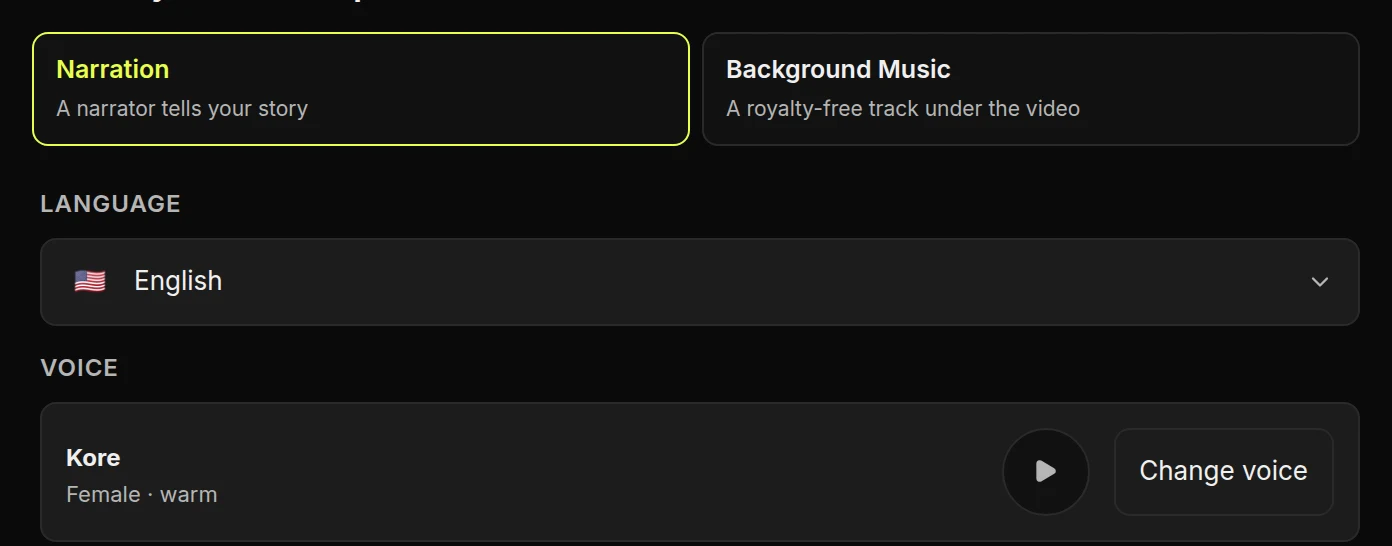
Choose a language and voice
- Choose NarrationNarrated formats start with it selected.
- Choose a languageThe script is written in that language from the start.
- Press Change voicePick from the voices above. Which ones are on offer depends on the language.
Price and music rights
Narration can change the price, and the review step always shows the exact amount. Music chosen here is cleared for publishing. If you add other music after downloading, you need permission to use it.