Guide 7 of 13
2 min read
Length and quality
Find the lengths your format offers, choose a resolution, and see what moves the price.
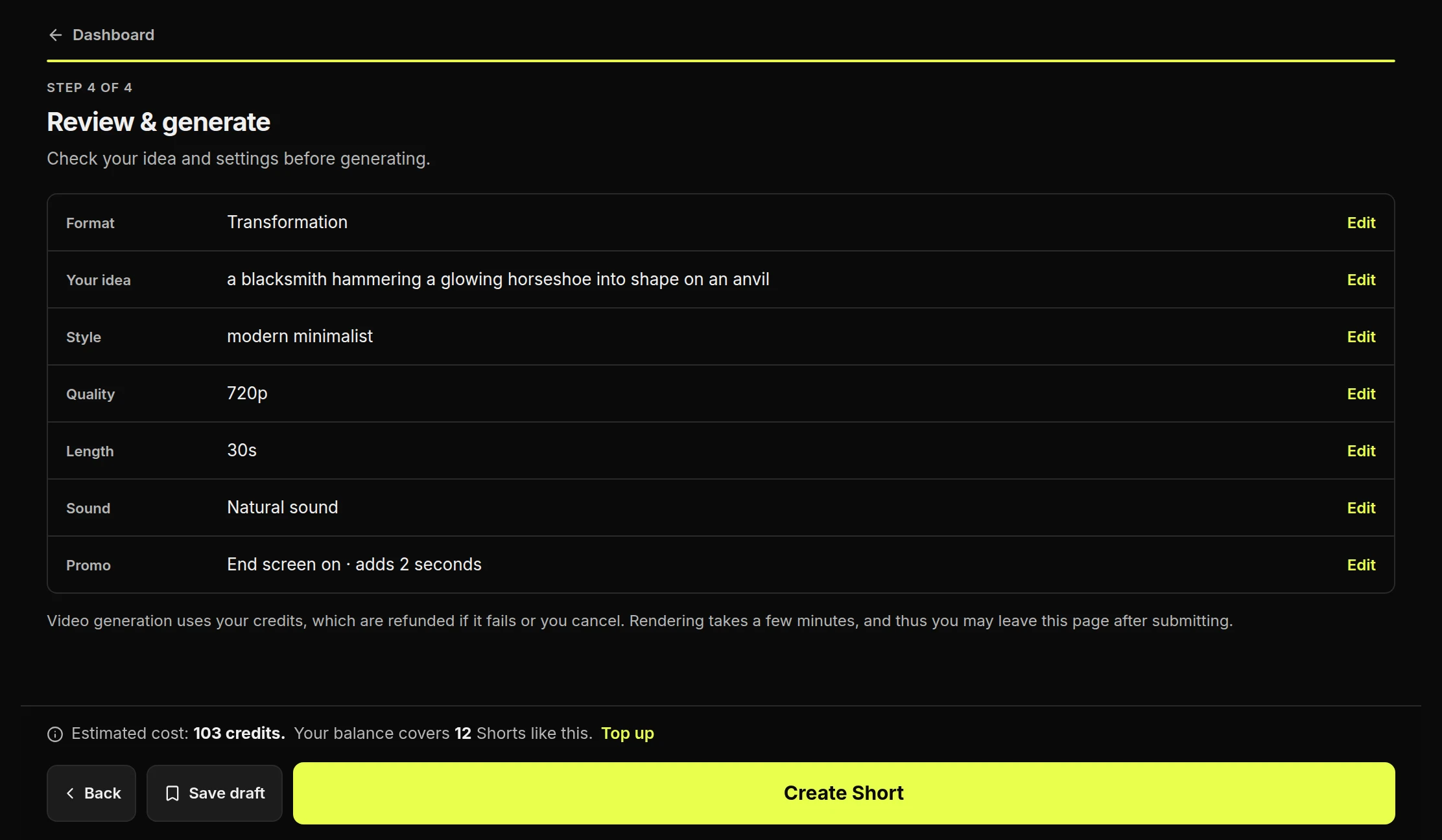
Available lengths depend on the format, from 8 seconds up to two minutes. You choose the length on step 1 and the resolution on step 3. The review step shows the price for both.
Choose a length
- Choose the shortest length that fits the ideaThe buttons show only what this format can make, so they change when you switch format.

Choose a resolution
- Choose a resolutionThe options depend on the format. A higher one does not always cost more.

What changes the price
FormatChanges the price most
LengthLonger costs more
ResolutionDepends on the format
SoundNarration can add to it
You don't choose the number of clips. It is worked out from the format and the length. To compare real prices, see the pricing page.
Check the summary
- Check the lengthIt shows the length your Short will really be.
- Check the estimated costChanging settings is free. Credits are used only when you press Create Short.