Guide 12 of 13
2 min read
Your account and your data
Find your settings, see what data we keep, and delete your account if you need to.
The gear icon at the top right opens Settings. Billing and Referrals are next to it.
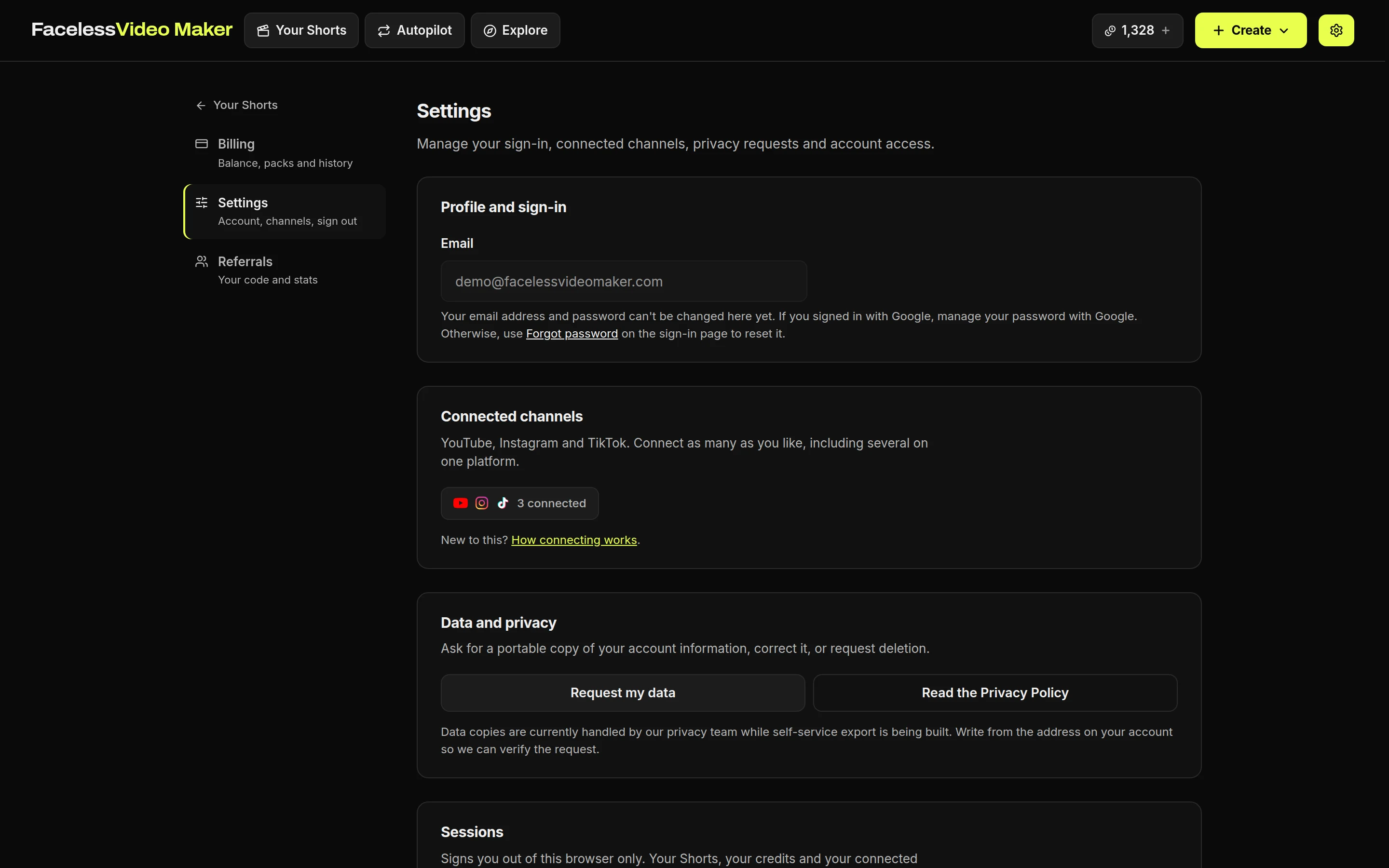
Find your settings
- Gear iconOpens Settings from any page.
- Profile and sign-inYour email address, which cannot be changed yet. For a new password, use Forgot password on the sign-in page.
- Connected channelsConnect, reconnect or disconnect. See connecting your channels.
- Data and privacyAsk for a copy of your data, a correction, or deletion.
Manage connected channels
Disconnecting deletes our copy of that channel's sign-in and cancels its waiting posts. To withdraw the permission on the platform itself, remove FacelessVideoMaker from its list of connected apps too.
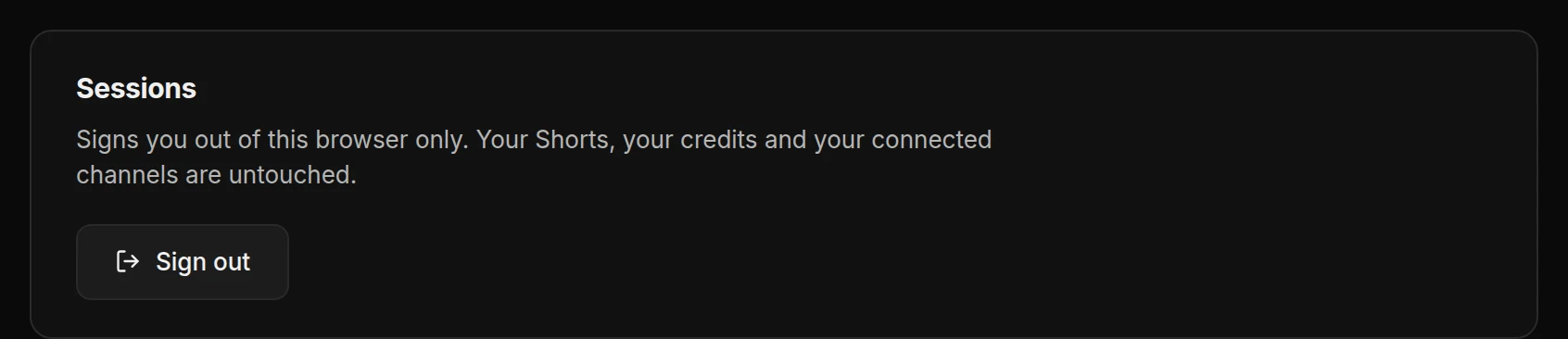
Sign out
- Press Sign outThis signs you out of this browser only. Your Shorts, credits and channels are not affected.
Delete your account
- Press Delete account, then Email the requestNothing is deleted when you press it. The email goes to
hello@facelessvideomaker.ai, and we check it is really you first.
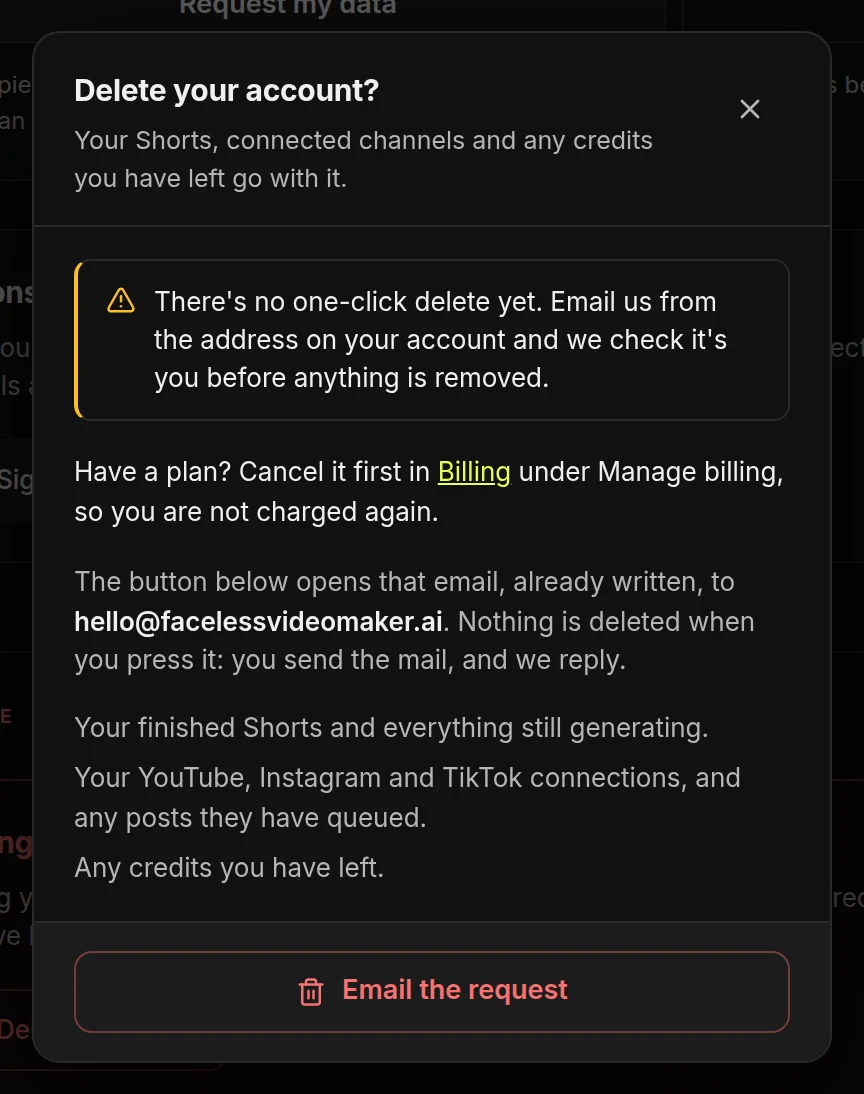
Deleting your account removes:
- Your Shorts, finished and in progress.
- Your connected channels and their waiting posts.
- Any credits you have left. They are not refunded and have no cash value.
What data we keep
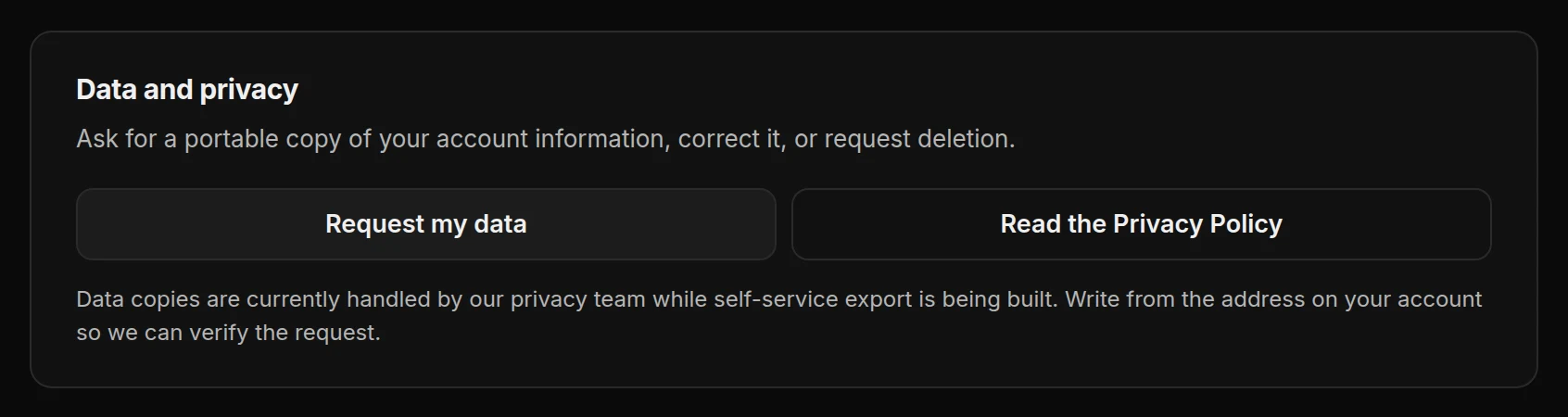
Backups can keep deleted data for a while after it leaves the app. The privacy policy lists what we keep and for how long.