Guide 8 of 13
2 min read
Your Shorts
Watch, download, edit and publish the Shorts you have made.
Your Shorts holds every video you have made, newest first. Each card shows its status, its progress and what you can do with it.
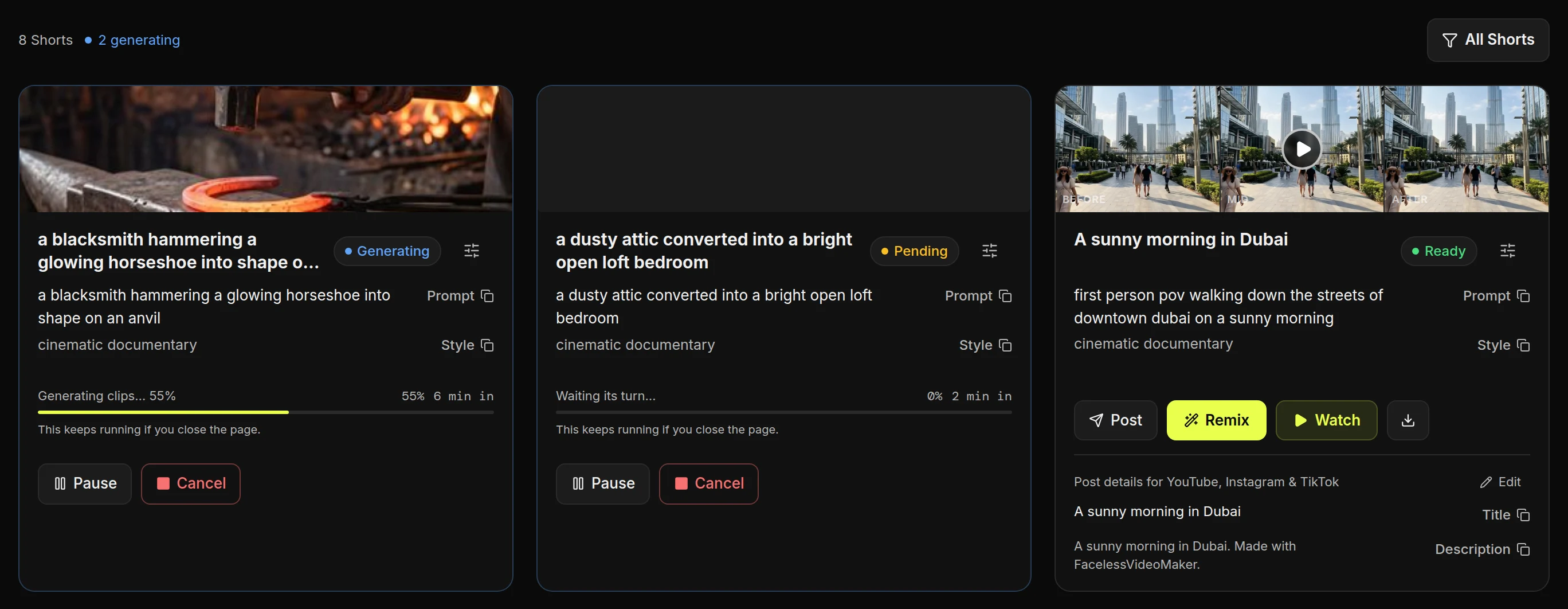
Read the status on each card
- GeneratingBeing made now. The bar shows how far along it is.
- PendingWaiting for its turn to start.
- ReadyFinished, and ready to watch or post.
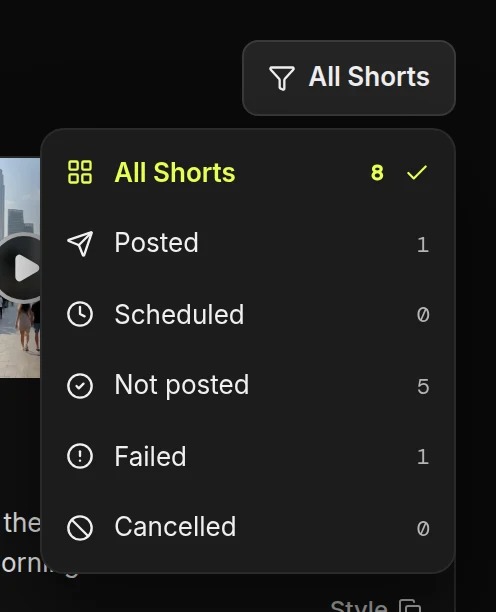
- FilterShow only posted, failed or not-yet-posted Shorts.
You may also see these:
PausedYou paused it. Resume carries on at no extra cost.
FailedSomething went wrong. Your credits came back.
CancelledYou stopped it. Your credits came back.
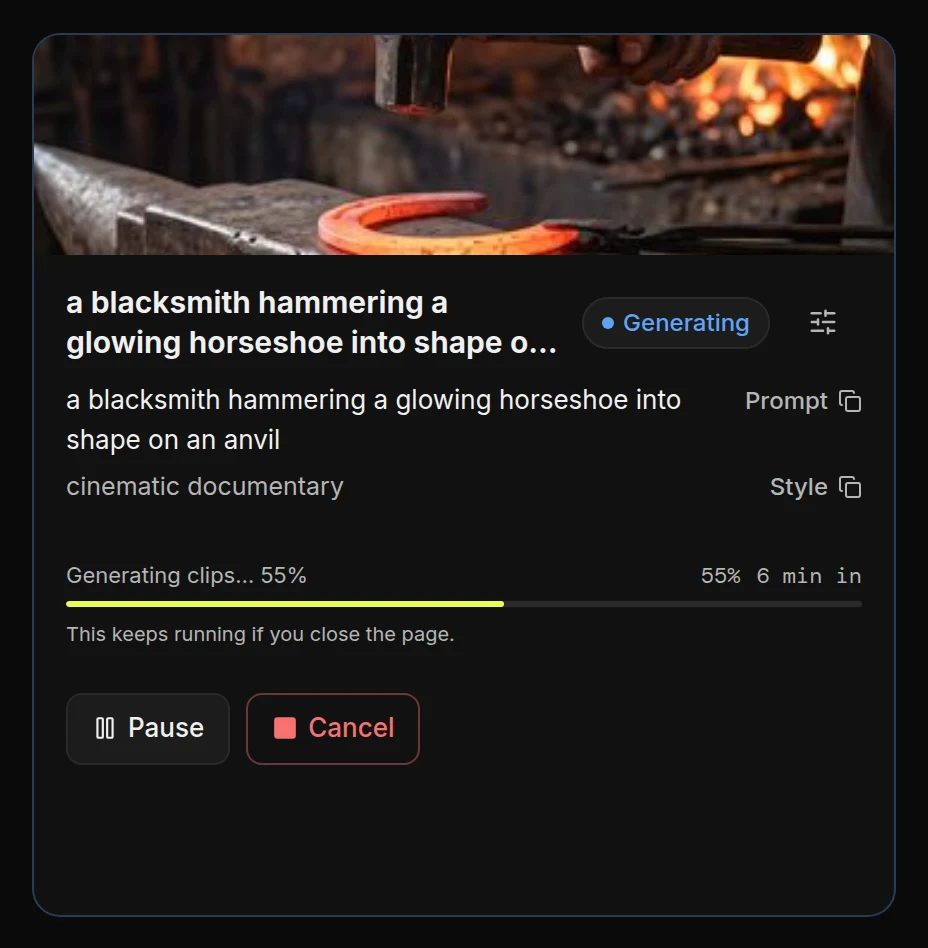
Follow a Short while it is made
- ProgressIt keeps going if you close the tab.
- Pause and CancelPause keeps its place. Cancel throws away the work so far and returns your credits.
Use the buttons on a finished Short
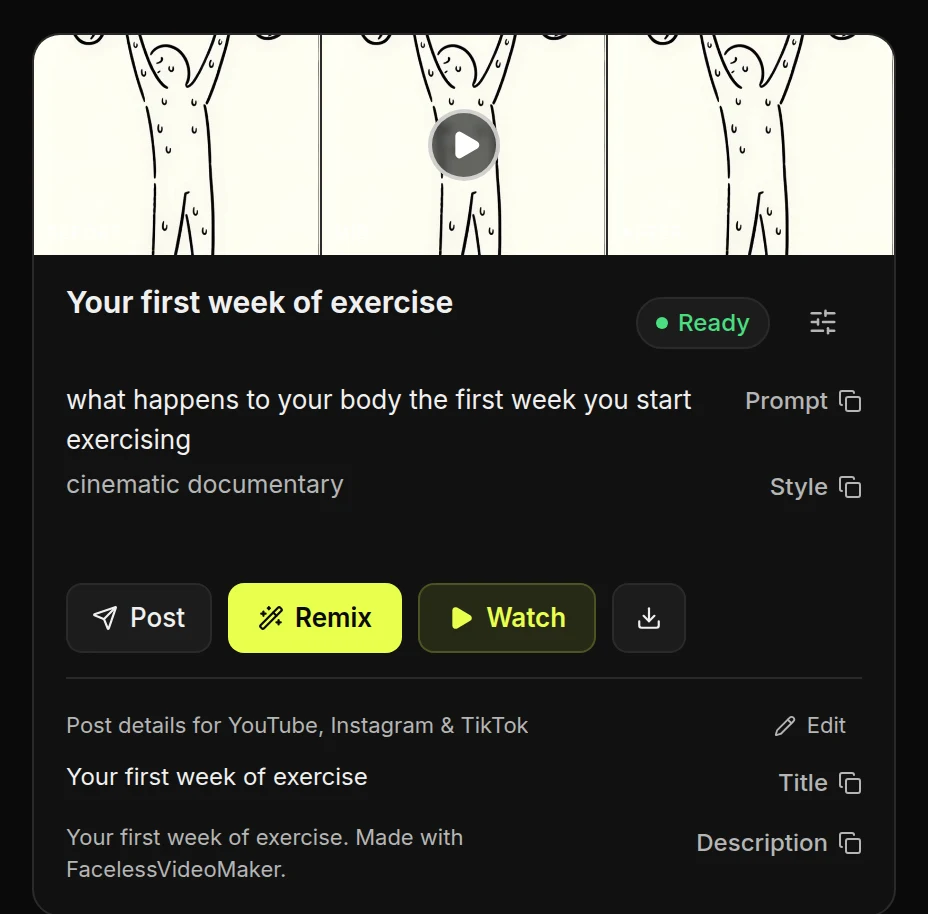
- PostPublish it to your connected channels.
- RemixStart a new Short from this one.
- WatchPlay it full size.
- DownloadSave the video file.
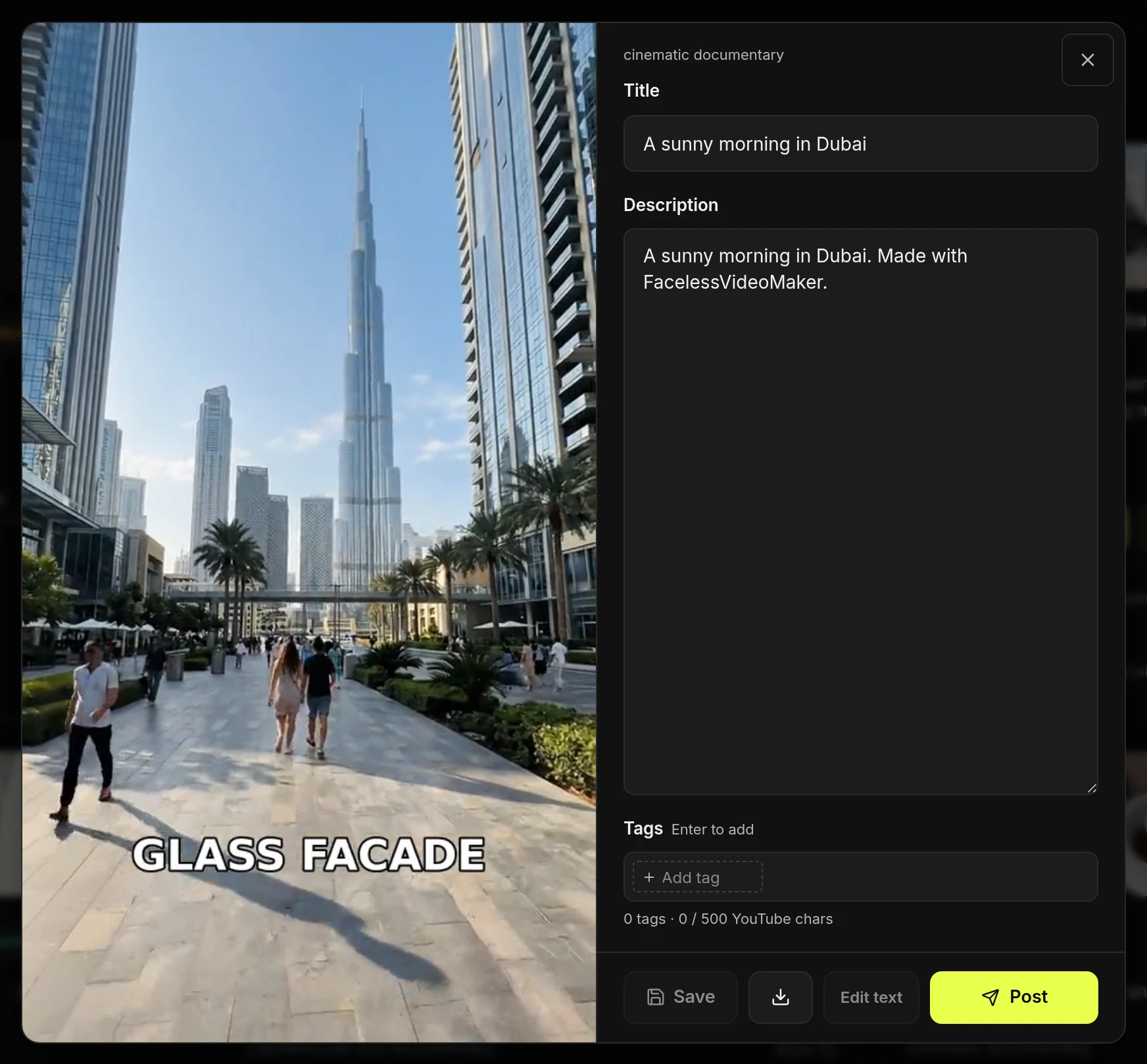
- EditChange the title, description and tags for its next post.
- TitleThe name the post goes out with.
- DescriptionThe text under the post. Editing it never changes the video.
- PostPublish straight from here.
Find a Short
- Open the filterAll Shorts hides failed and cancelled ones. Choose Failed or Cancelled to see them.
How long your Shorts are kept
Your Shorts do not expire, and there is no limit on how many you keep. To remove everything, see your account and your data.